Step 1: Boot Setup
Power On
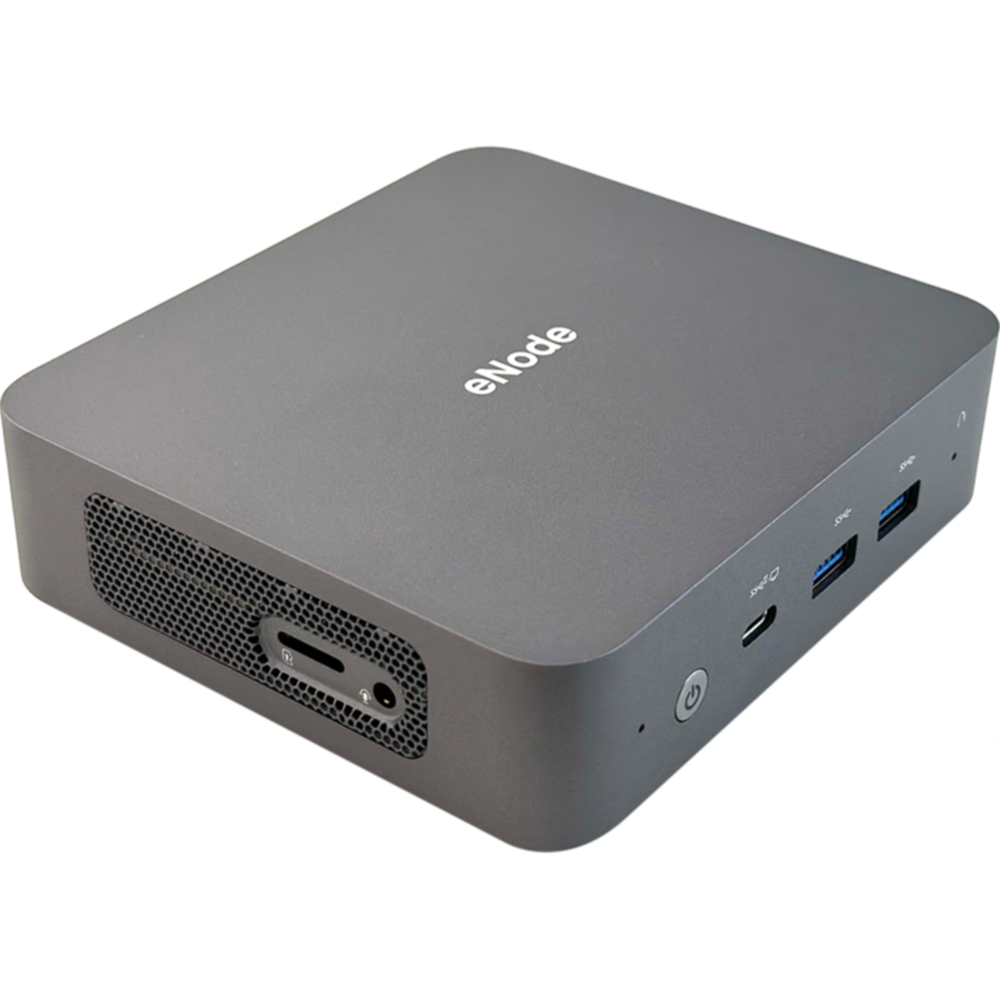
- Upon receiving the eNode, insert the charging cable into the circular port of the eNode and connect it to a power source.
- Press the power button on the eNode to turn on the device.
Connect to eNode-WIFI
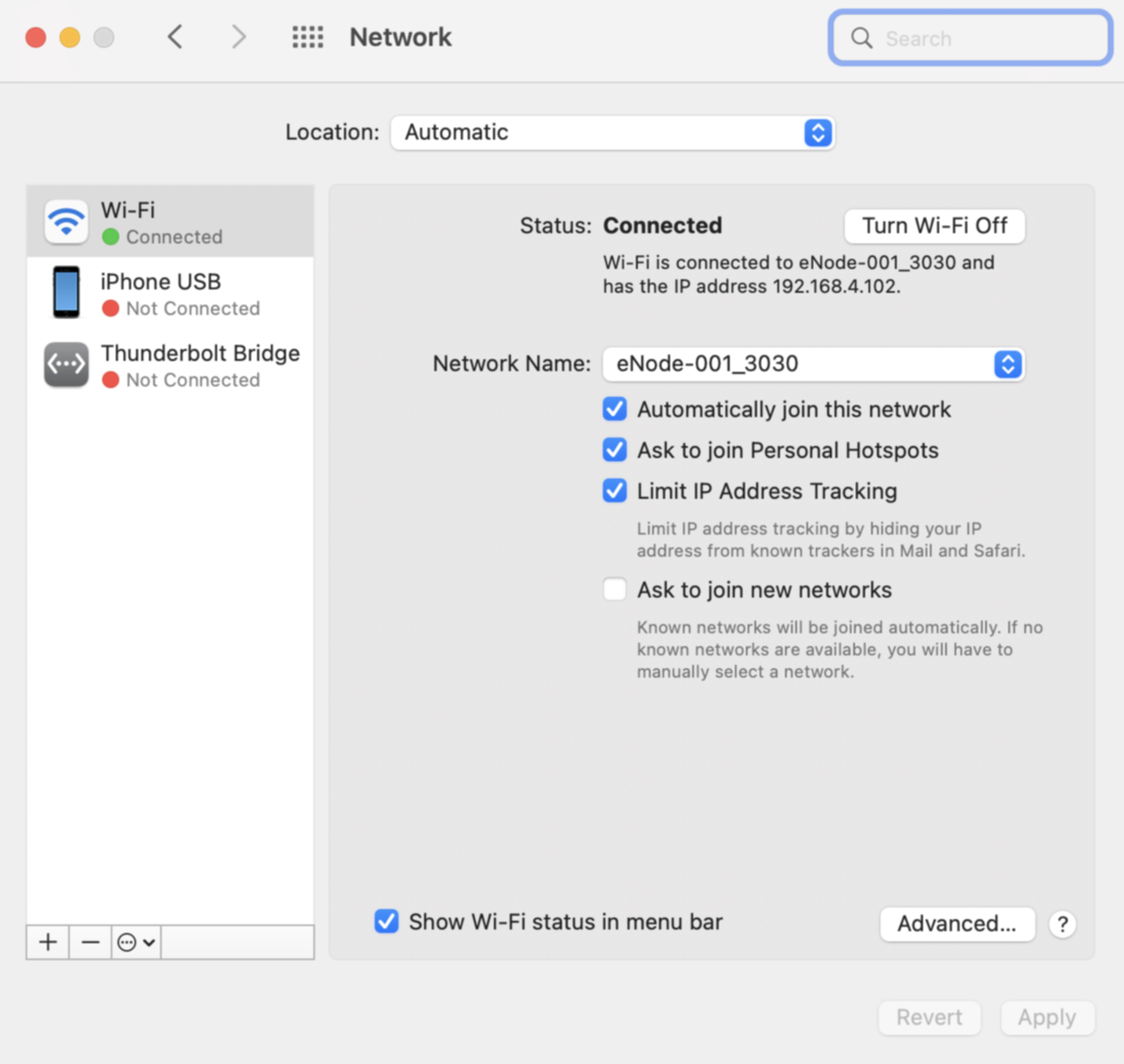
- After eNode is powered on, open your smartphone or computer and go to WIFI settings. Search for eNode-WIFI (e.g., enode-xxx) and find the WIFI password located on the bottom of the eNode to connect to eNode.
Log in to eNode
- Once the WIFI connection is established, open the link https://myenode.ebunker.io/
- Welcome to eNode