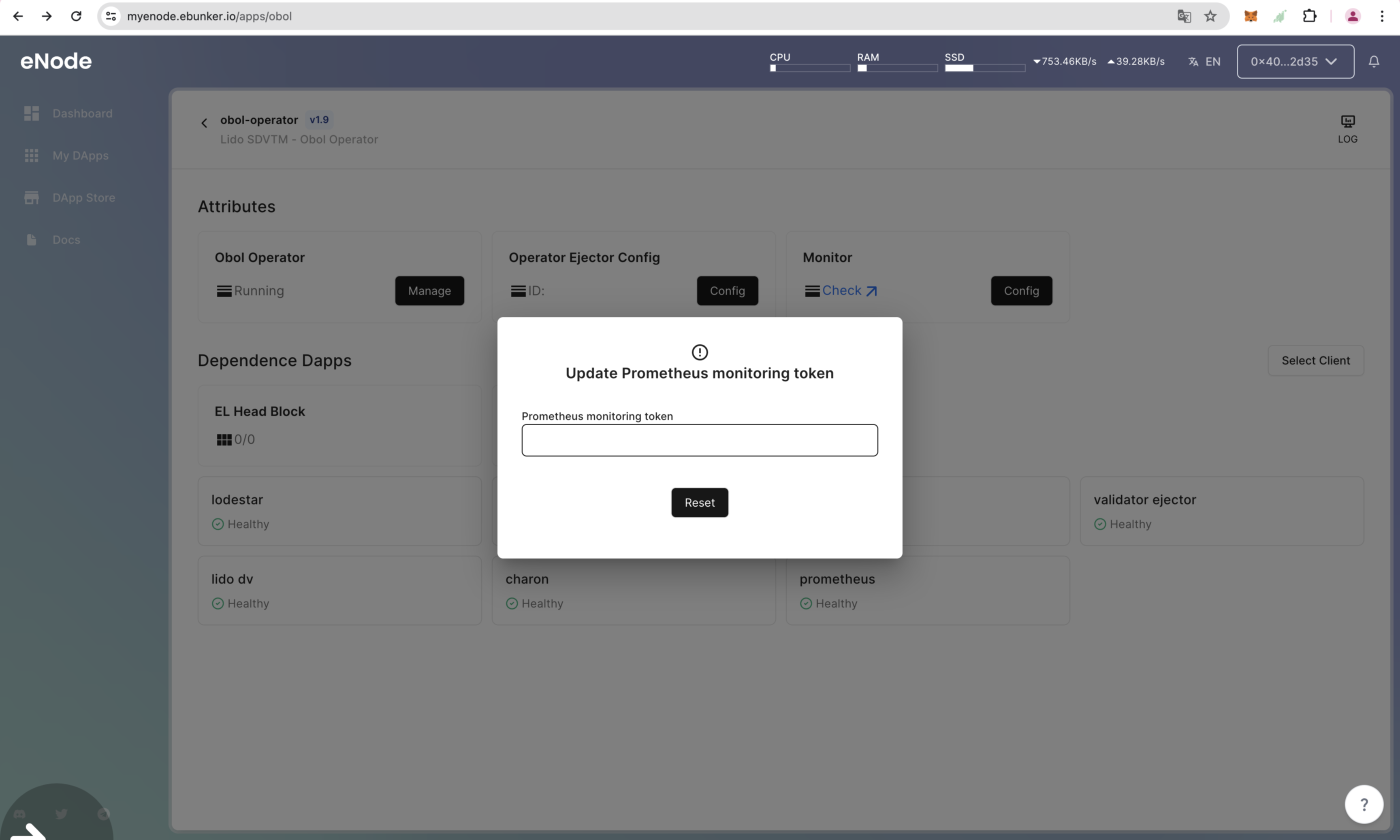
Step 3: Configure Obol Monitoring
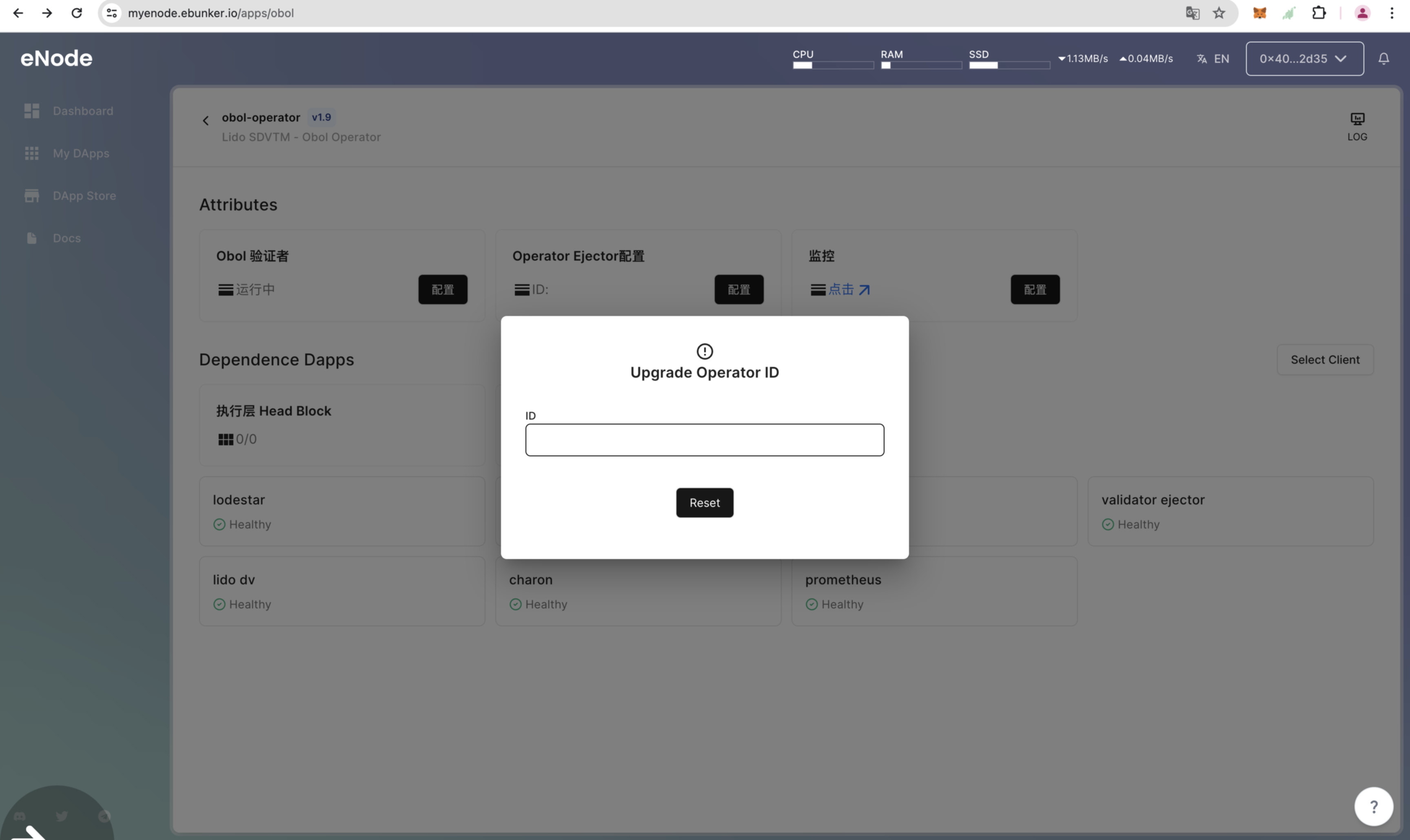
Configuring Obol Ejector
- Click on Dashboard - Obol Operator to view Obol Operator properties.
- Click on Operator Ejector Configure.
- View the Obol Operator ID and fill it in.
Configuring Obol Monitoring
- Click on Monitoring Configure.
- The group leader will provide the Prometheus monitoring authentication token. Update and fill in the token. After updating, data can be uploaded to Obol Official.