Step 1: Install Obol App
Bootstrapping
- Before running the validator program, please complete the bootstrapping process.
- Bootstrapping
Installing the Obol Holesky Application
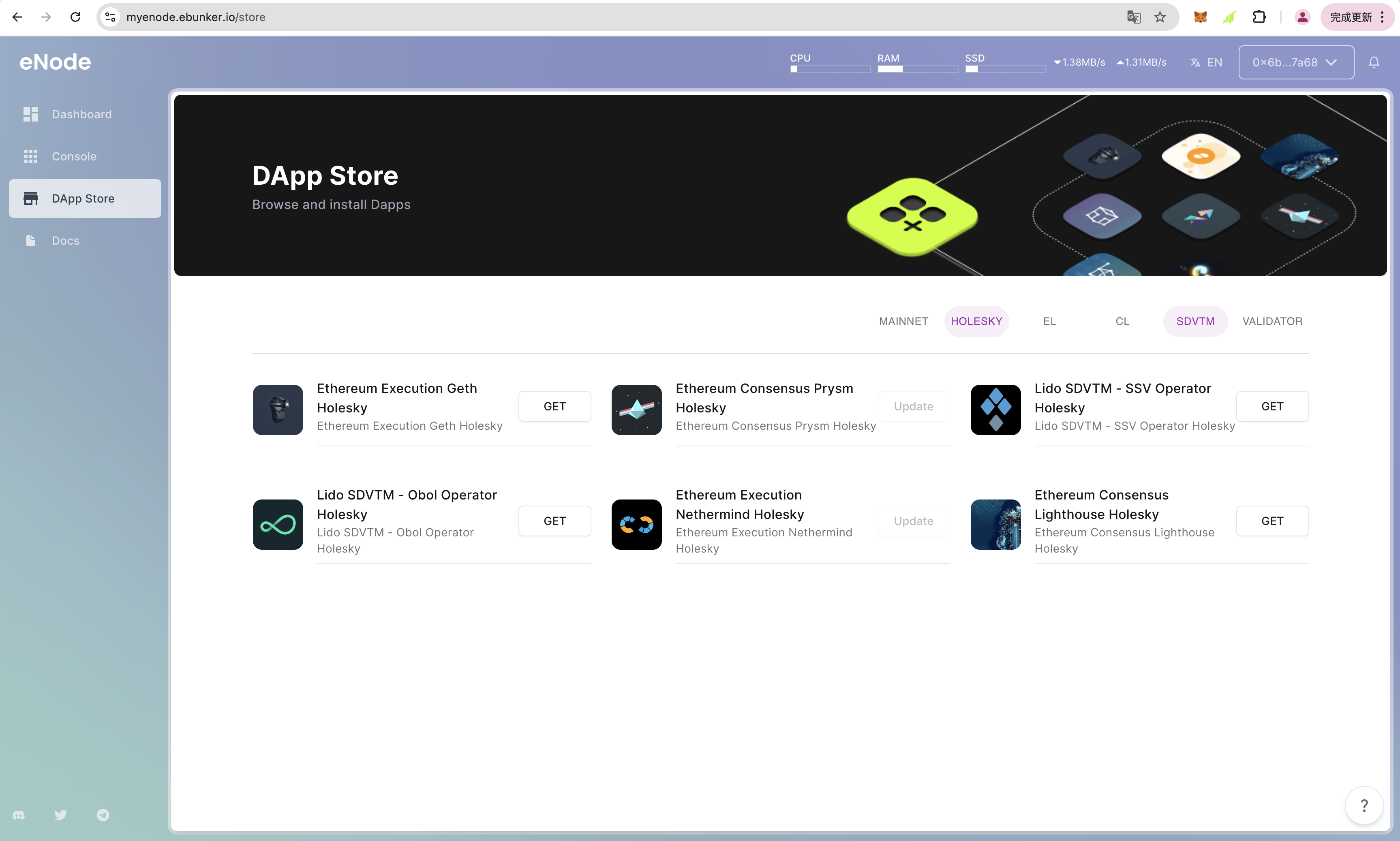
- After logging in to the website, click on App Store and install the node applications, including: Execution Layer Node Nethermind Holesky, Consensus Layer Node Lighthouse Holesky, and Lido SDVTM - Obol Operator Holesky. Click Get to install the Obol Operator program.
- It is recommended to use the Execution Layer Node Nethermind Holesky and Consensus Layer Node Lighthouse Holesky clients. If other Ethereum clients are running, it is advisable to stop and uninstall them.
Starting Ethereum EL/CL Holesky Clients
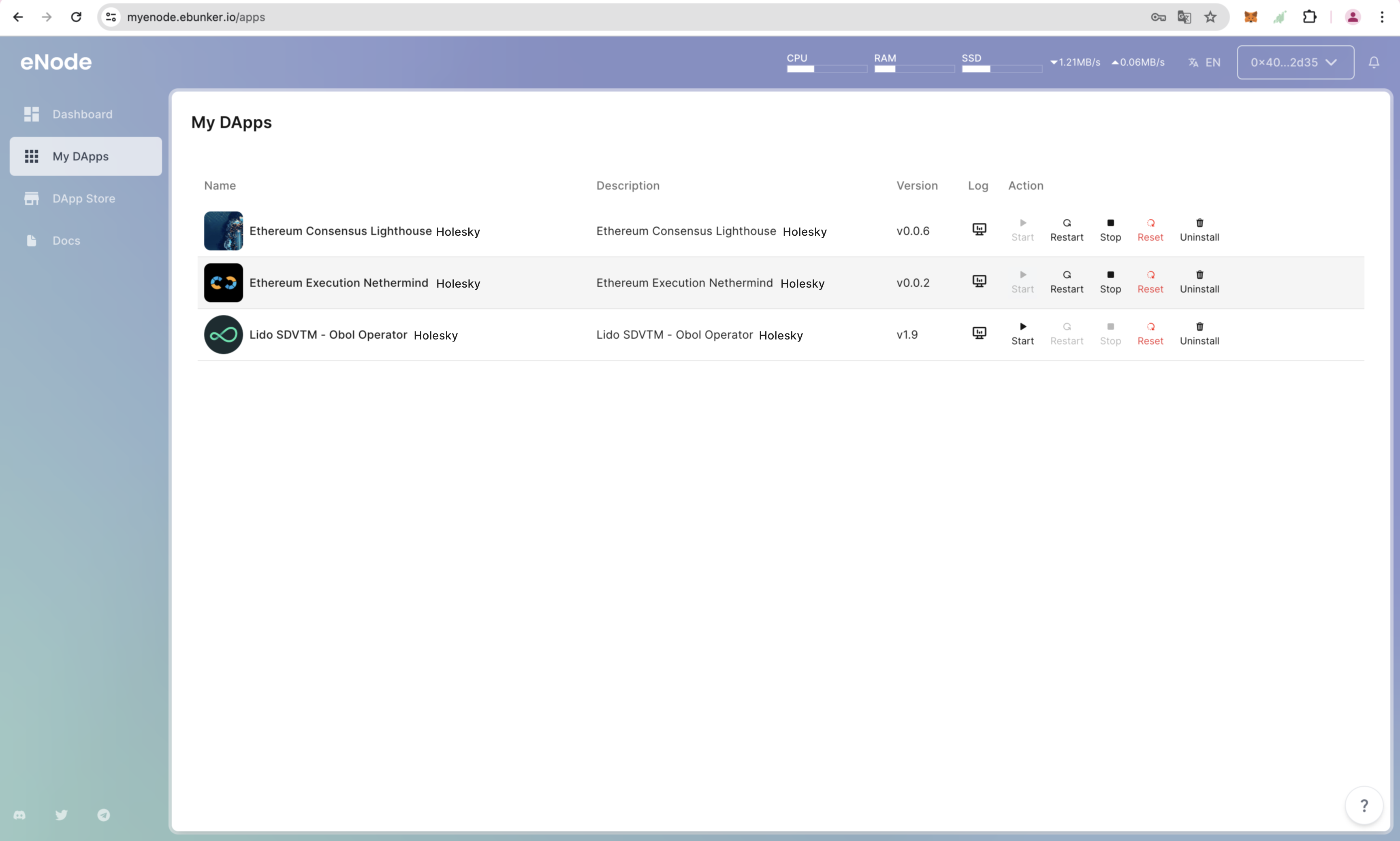
- Click on My Apps to view installed applications. The required clients for Obol Operator are as follows: Execution Layer Node Nethermind Holesky, Consensus Layer Node Lighthouse Holesky.
- Click Start to launch Nethermind and Lighthouse clients.
Configuring Obol Operator
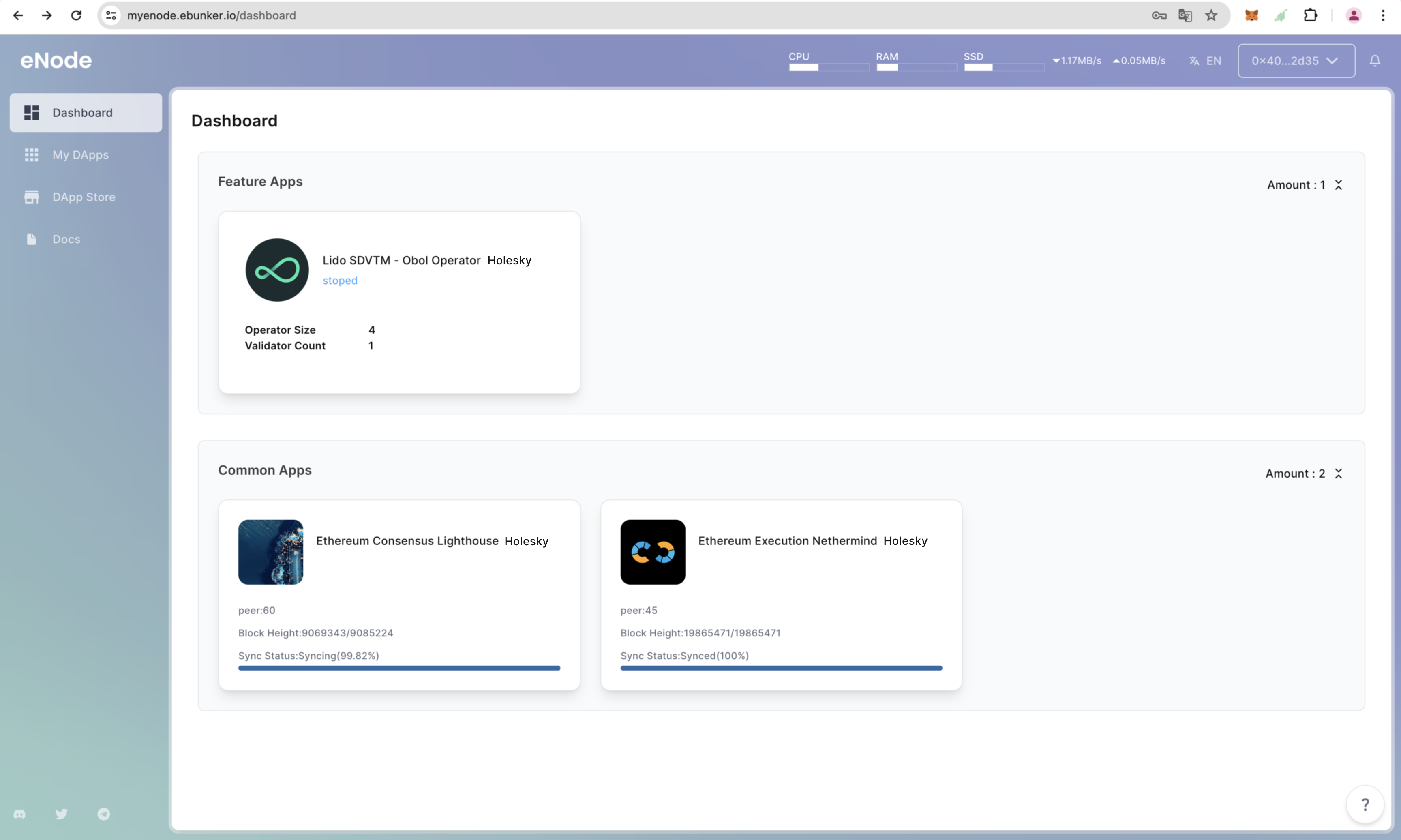
- Click on Dashboard - Obol Operator to view the Obol Operator program.
- Configure Obol