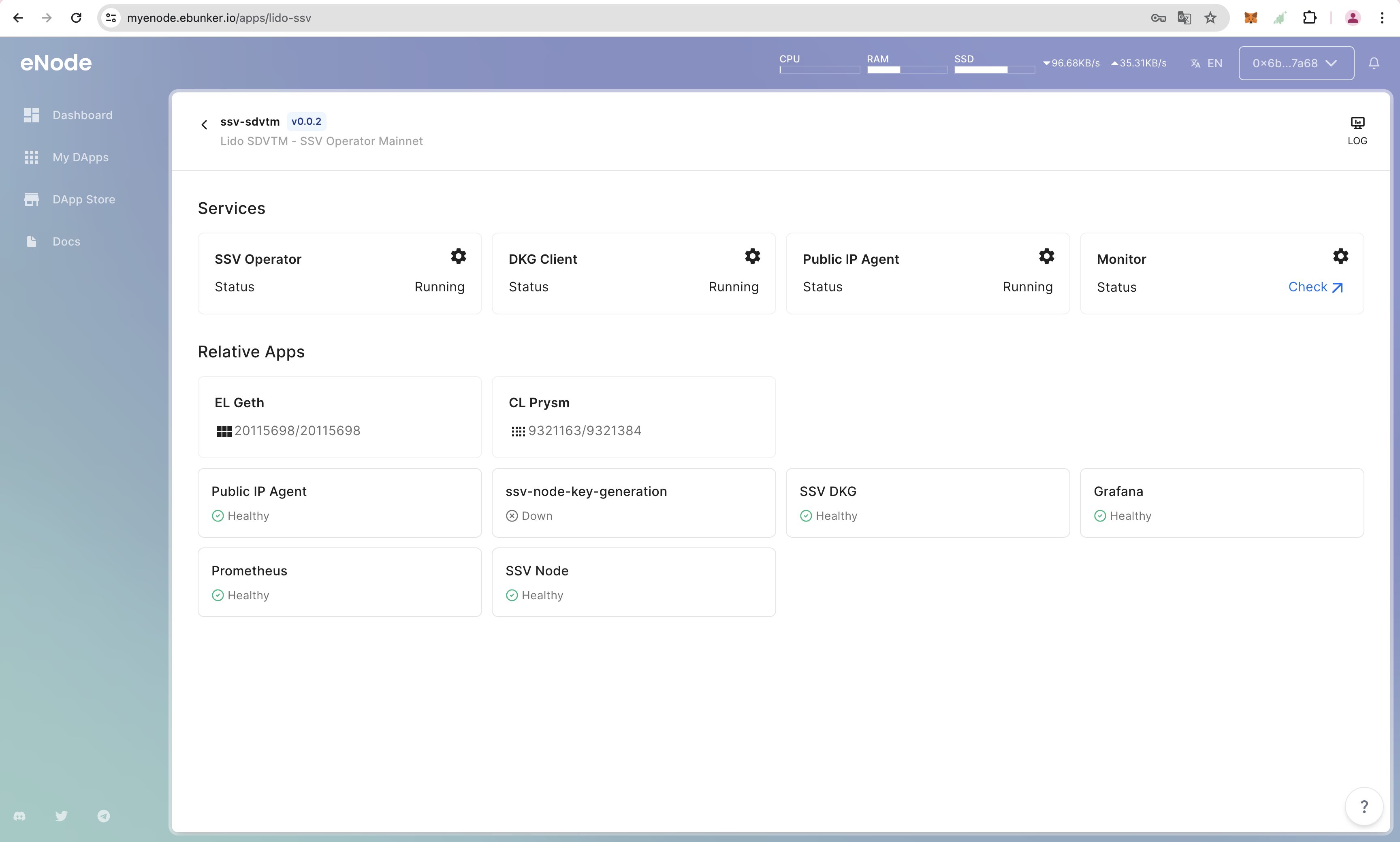
Step 3: Start SSV Monitoring
Configure the SSV Service
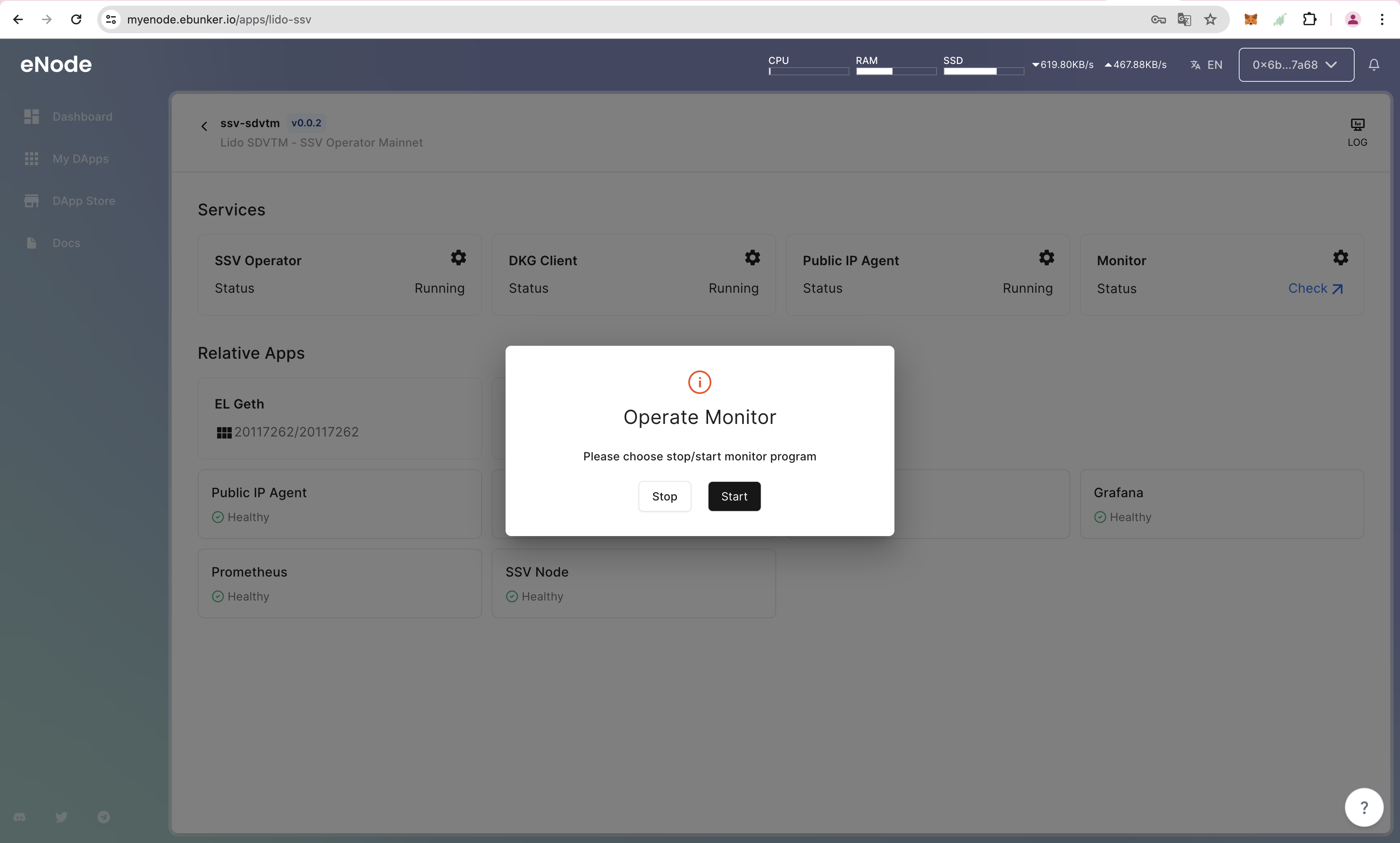
- Click on Dashboard-SSV Operator-Monitor-Settings icon. Click to start/stop the monitoring service.
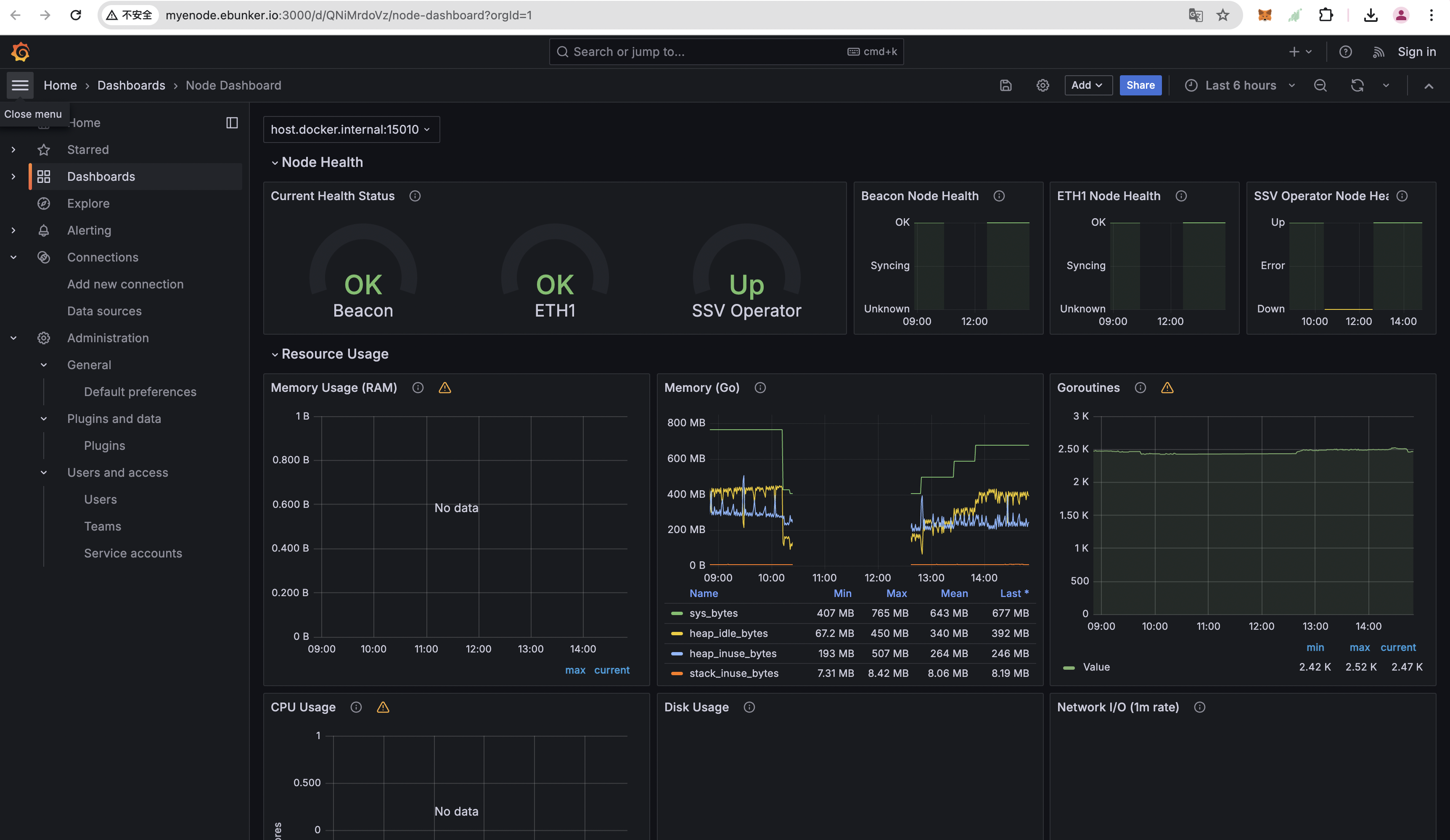
- Click on status check to view monitoring details.
Complete the Operation of SSV Operator
- View SSV details. Ensure all services are running. Click the log information icon in the top right corner to check logs.
- View Grafana monitoring information to ensure the node is running stably.