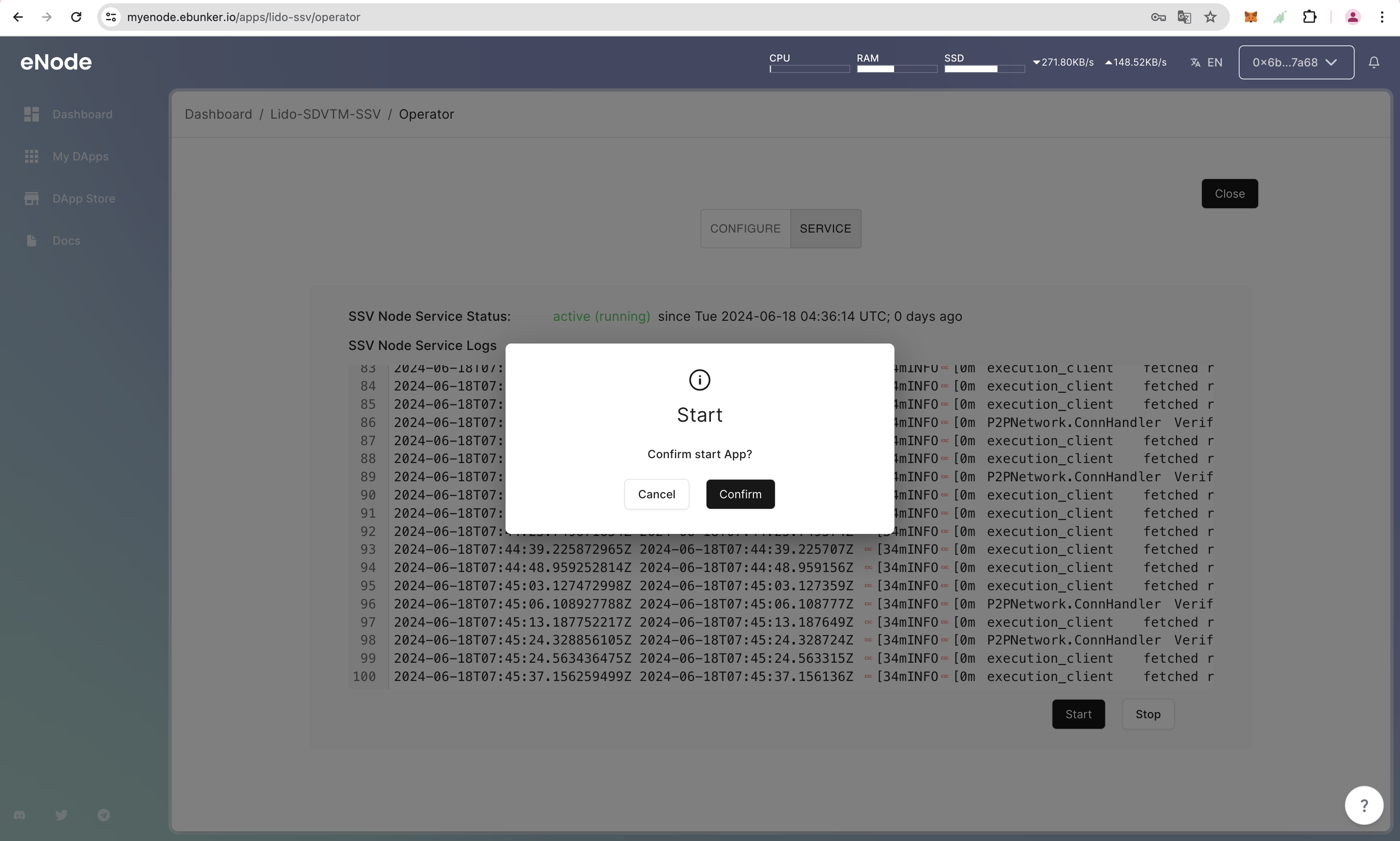
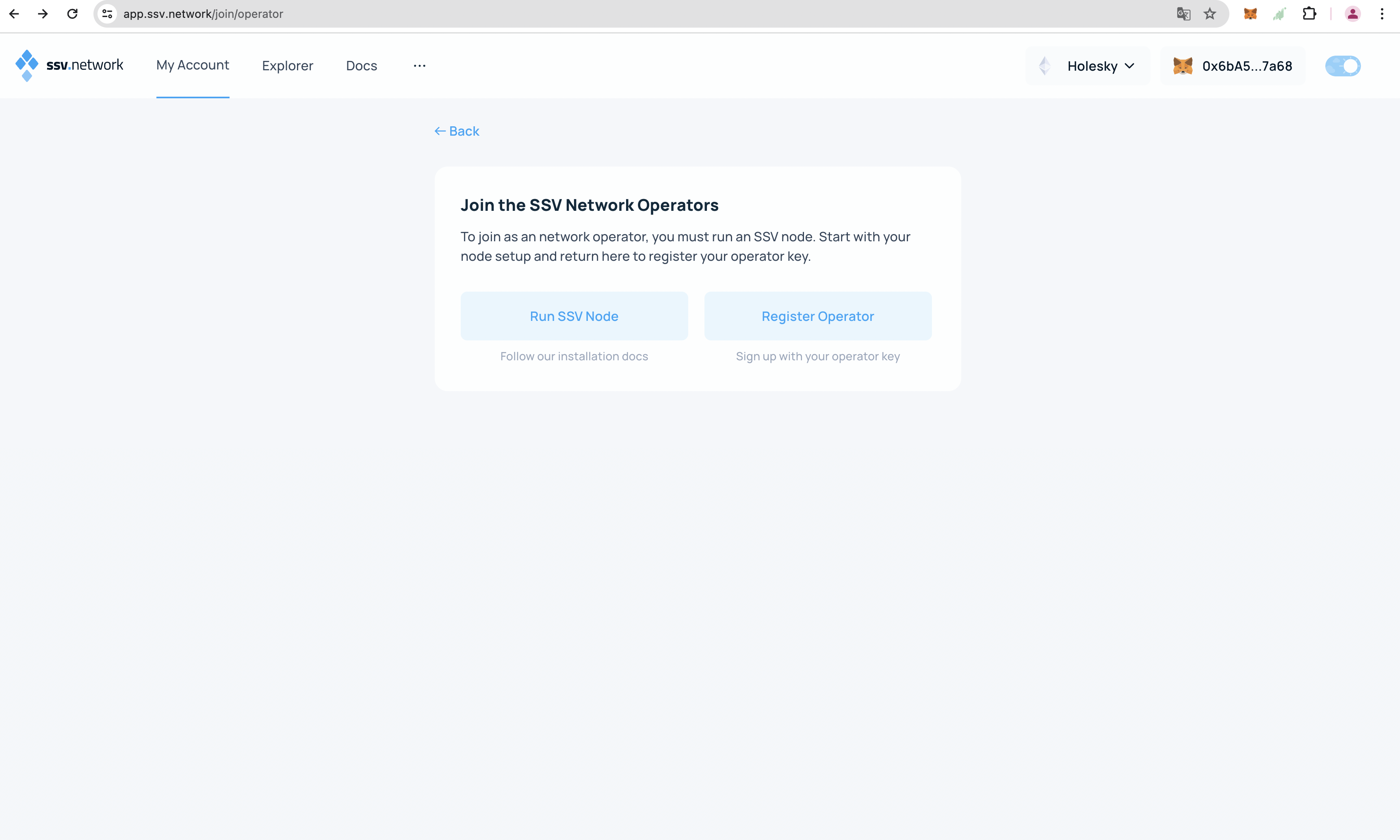
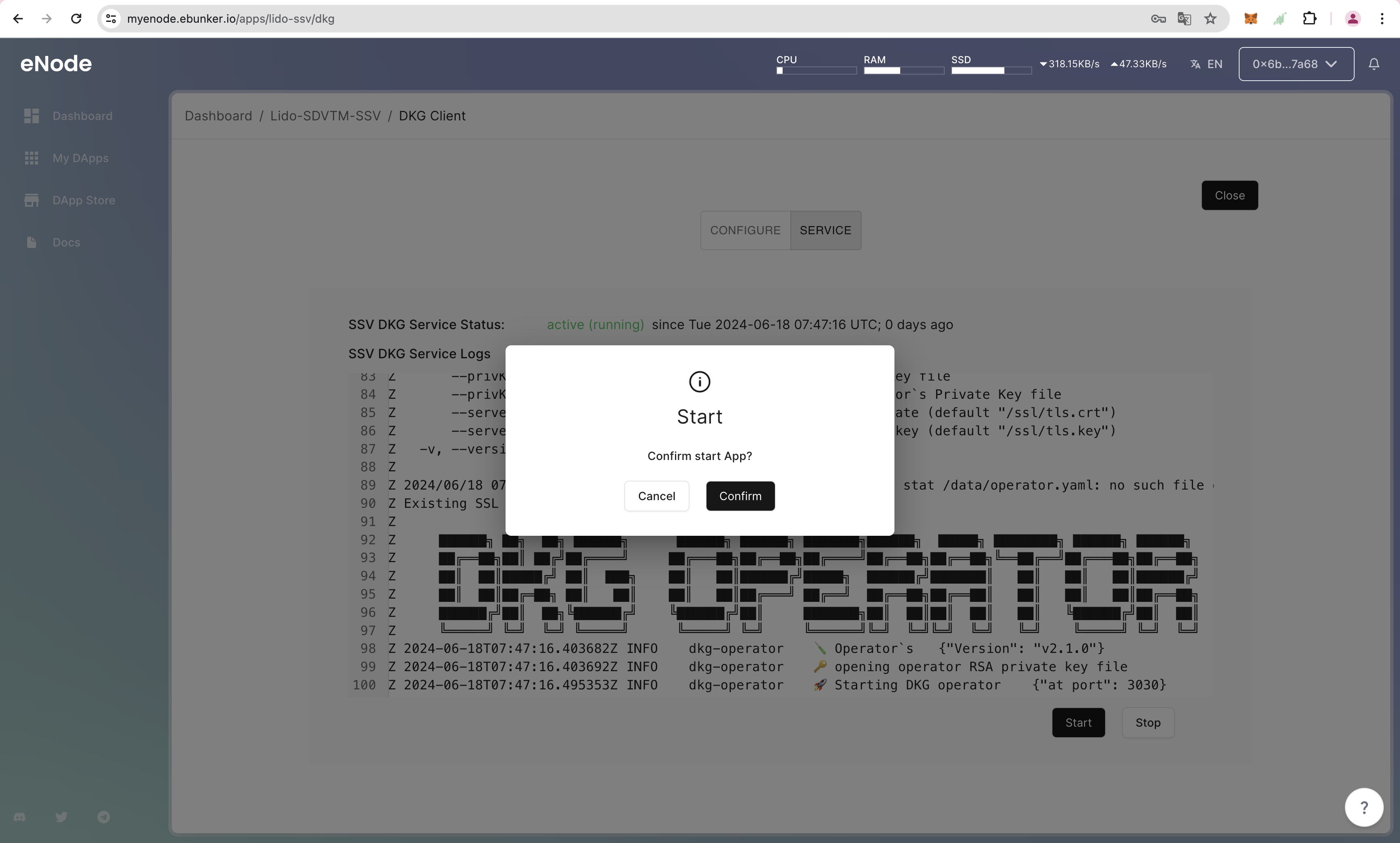
as the keyshare generated by the ssv-dkg tool, will ultimately be used by the Node itself to manage the related validator. It is recommended to start the DKG service after running the node program, so that users can use the DKG service to generate keyshare.
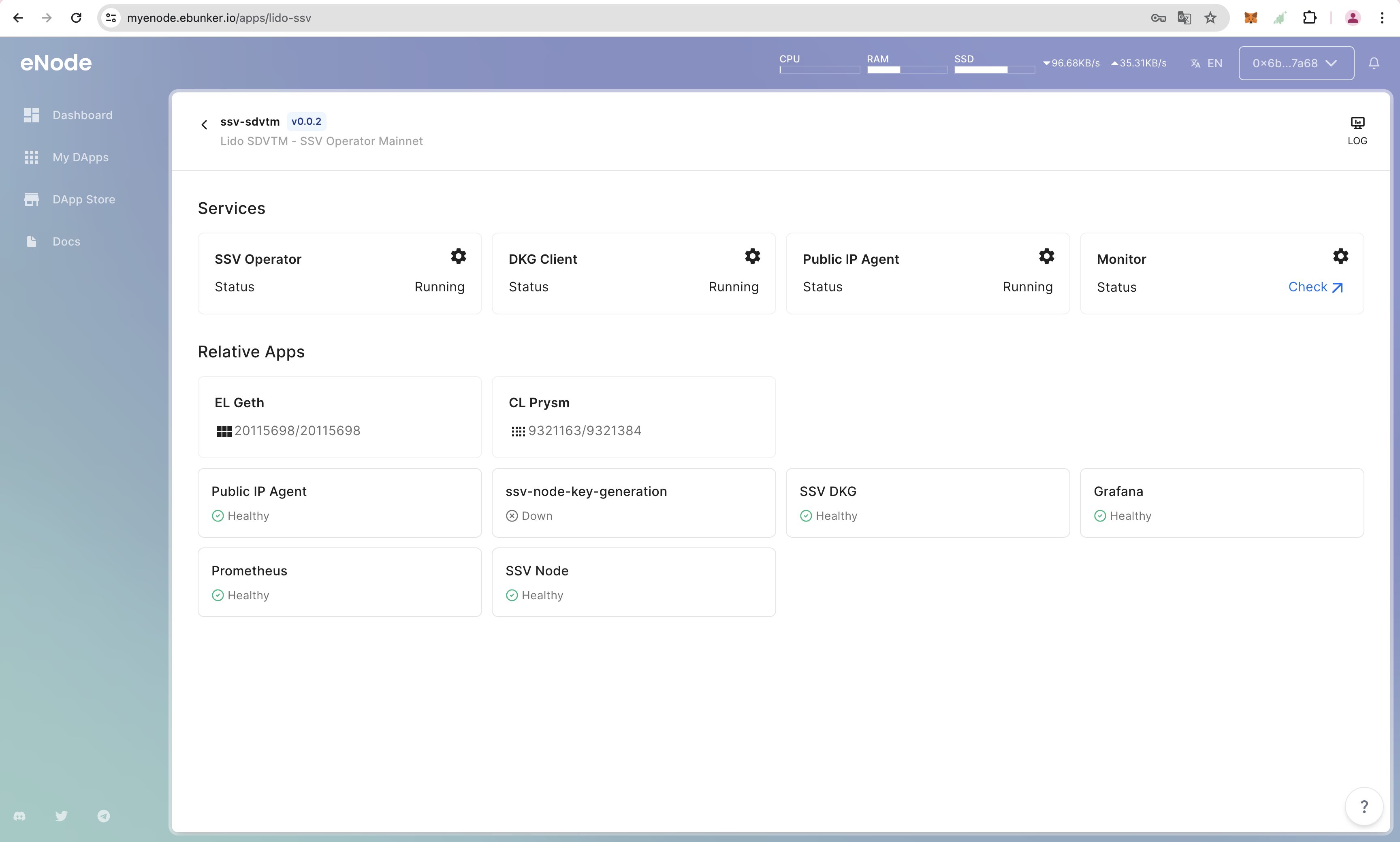
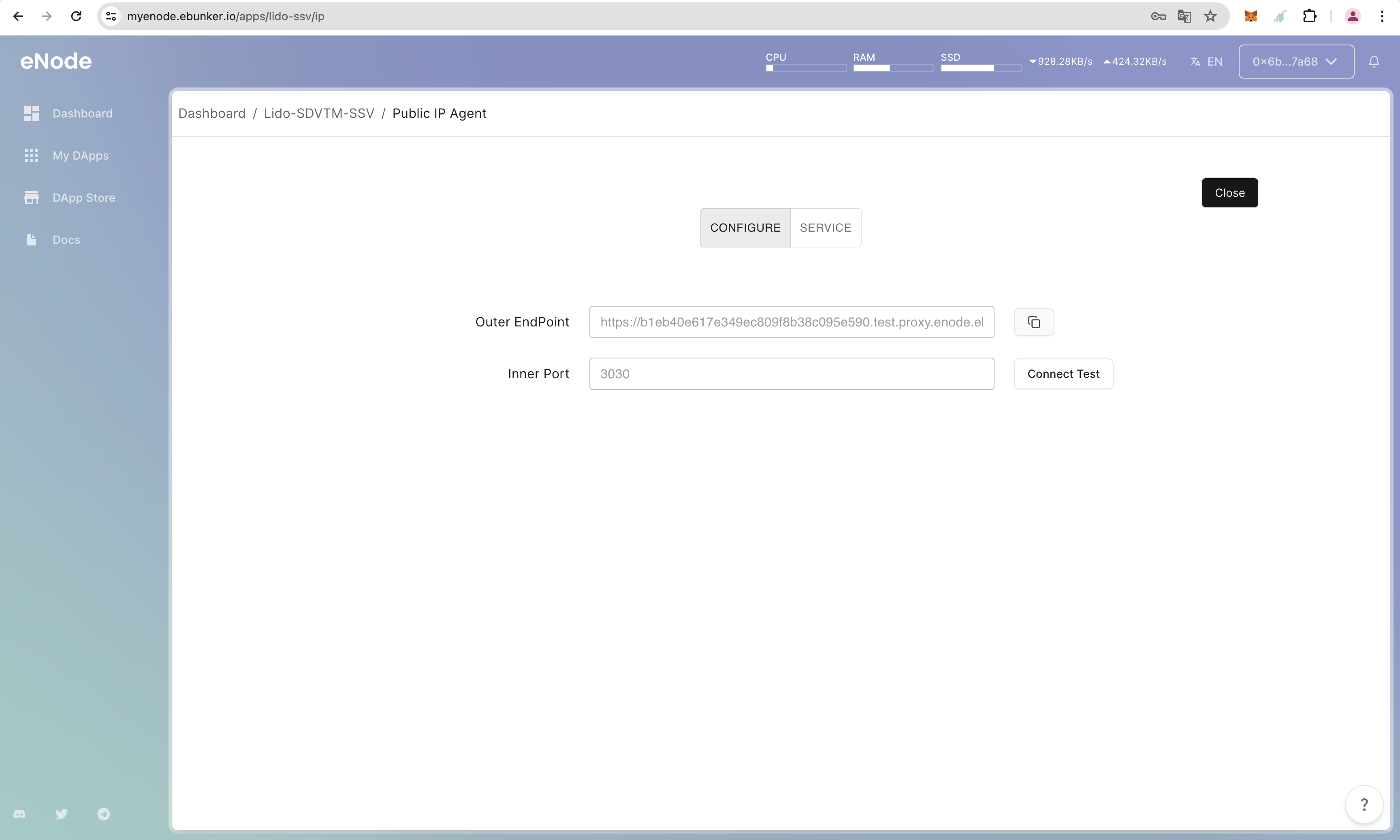
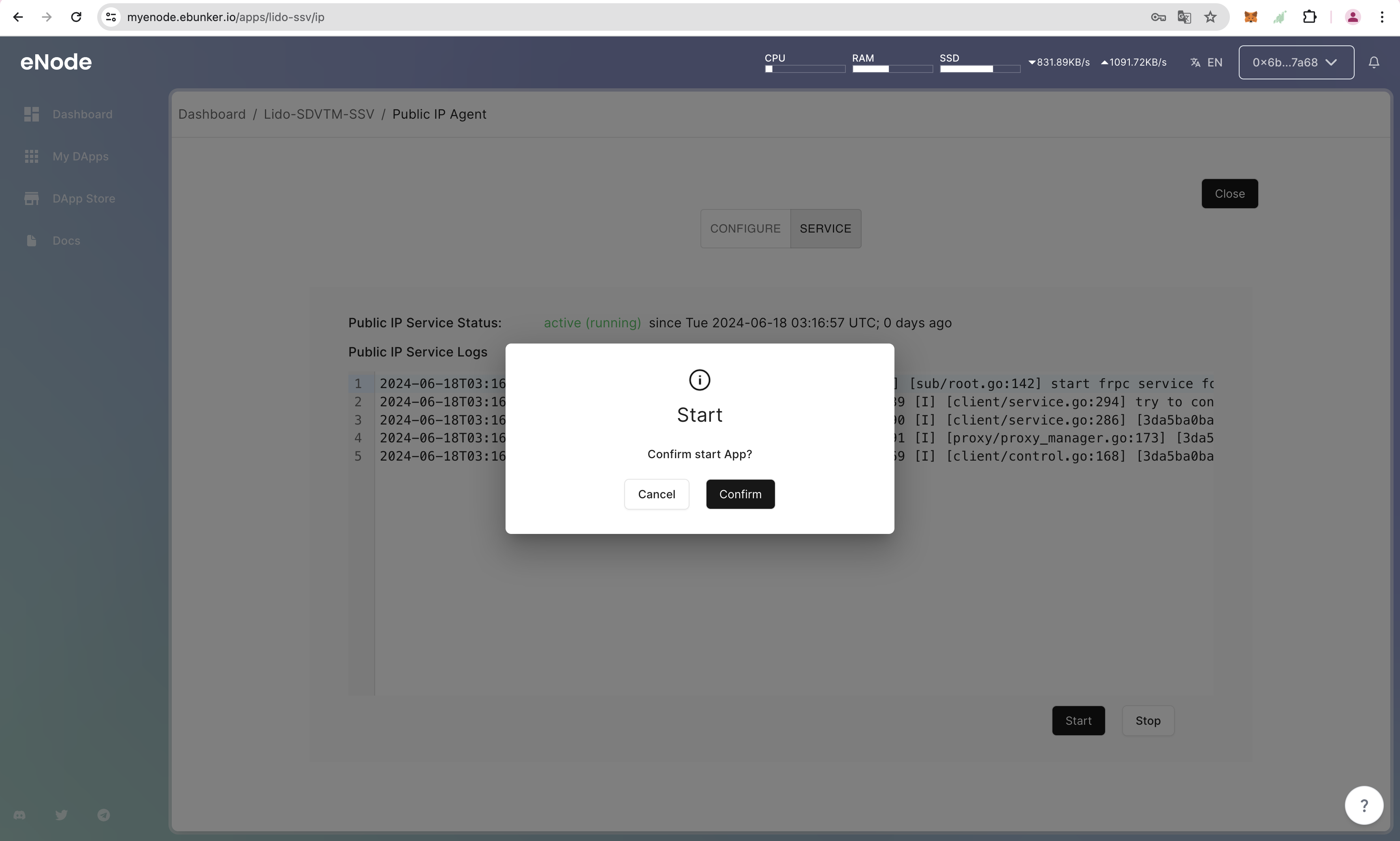
After the DKG service is running, you need to configure the public IP on the SSV official website before you can use it. Since eNode does not provide external public IP, eNode has developed a separate public IP service. After running the DKG service, you need to start the Public IP Agent.
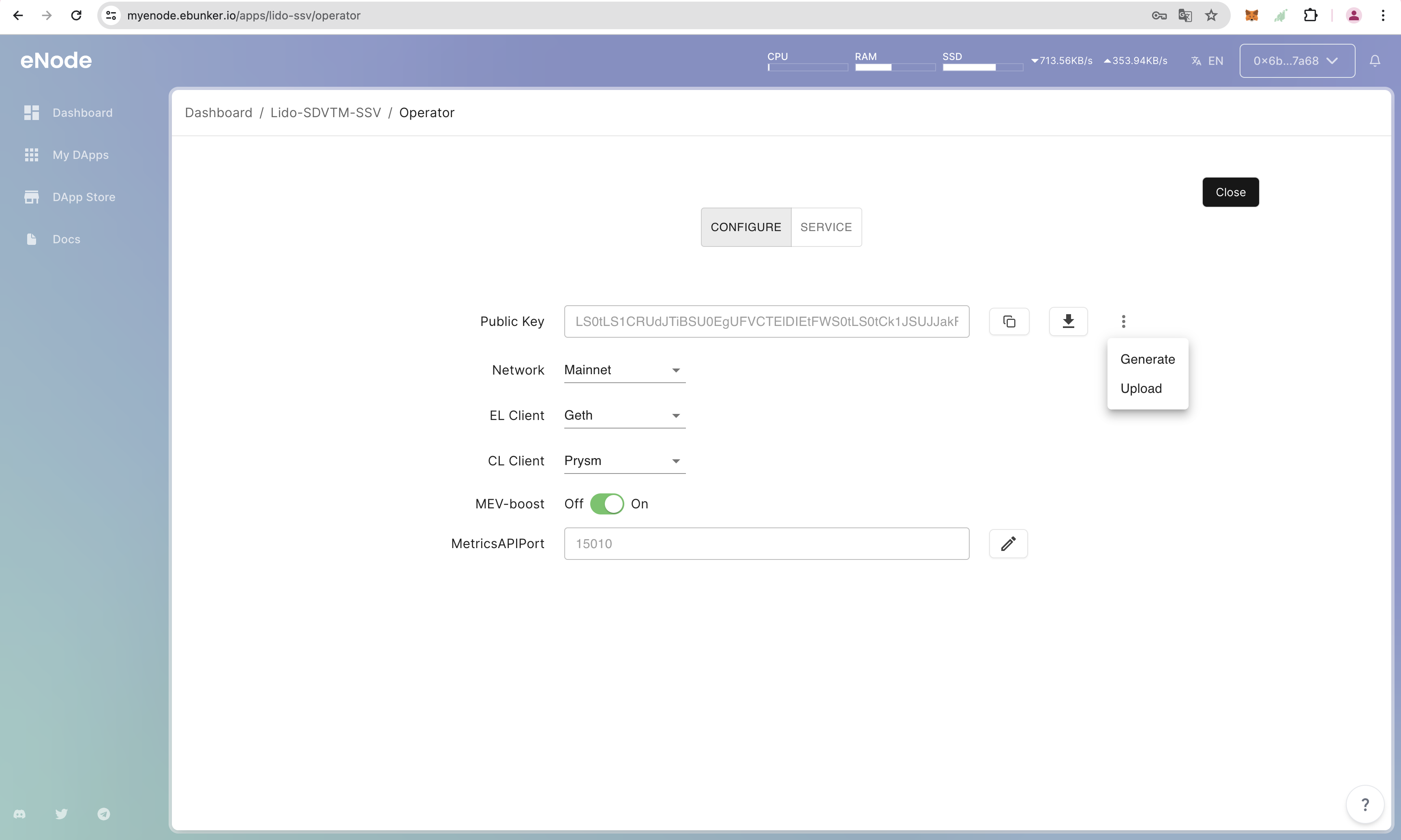
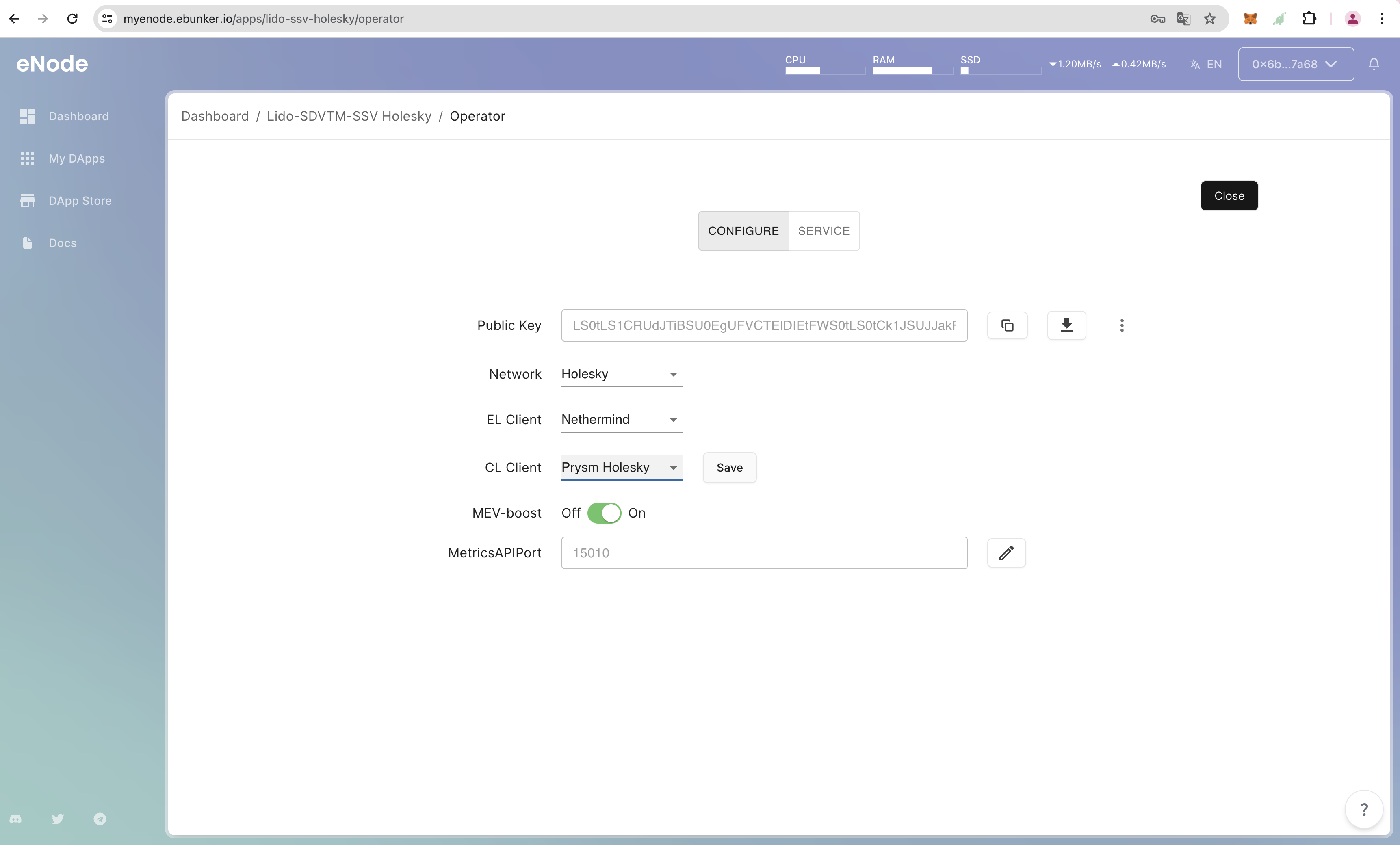
Click Configure-Public Key-【:】-Generate, click the generate button, set the Operator key password, generate the SSV Operator private key, and after creation, click the Download icon button to save the encrypted_private_file.json file. Click to view the file content, please securely save this key file and the password entered. This file can be used to restore the SSV Operator.
Click Configure-Public Key-【:】-Upload, click the upload button, enter the Operator key password, upload the encrypted_private_file.json file to restore the SSV Operator.
Set Consensus Layer/Execution Layer and Check Block Synchronization Status
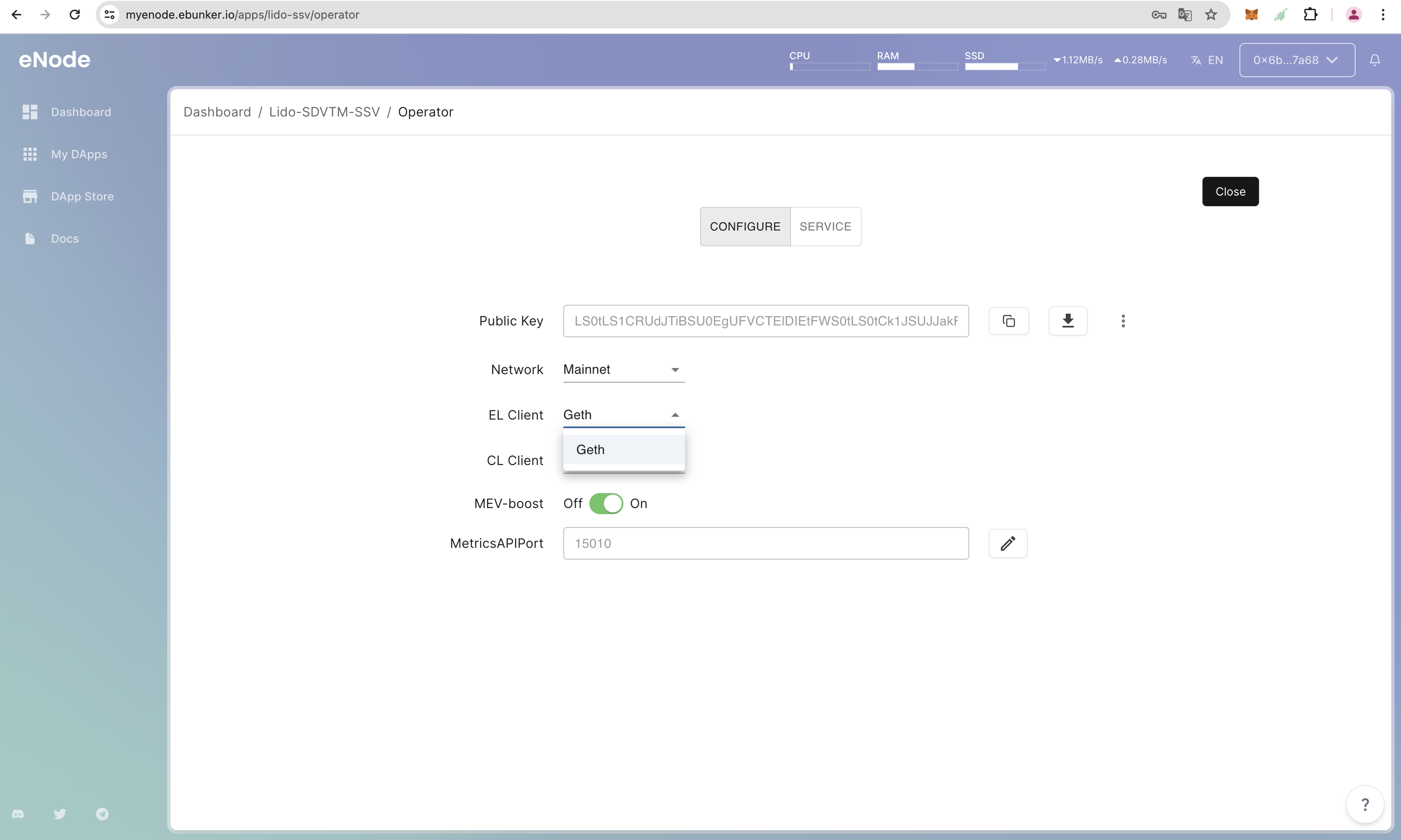
Click Execution Client/Consensus Client - Select the client used by the SSV Operator(eNode installed clients), click Save.
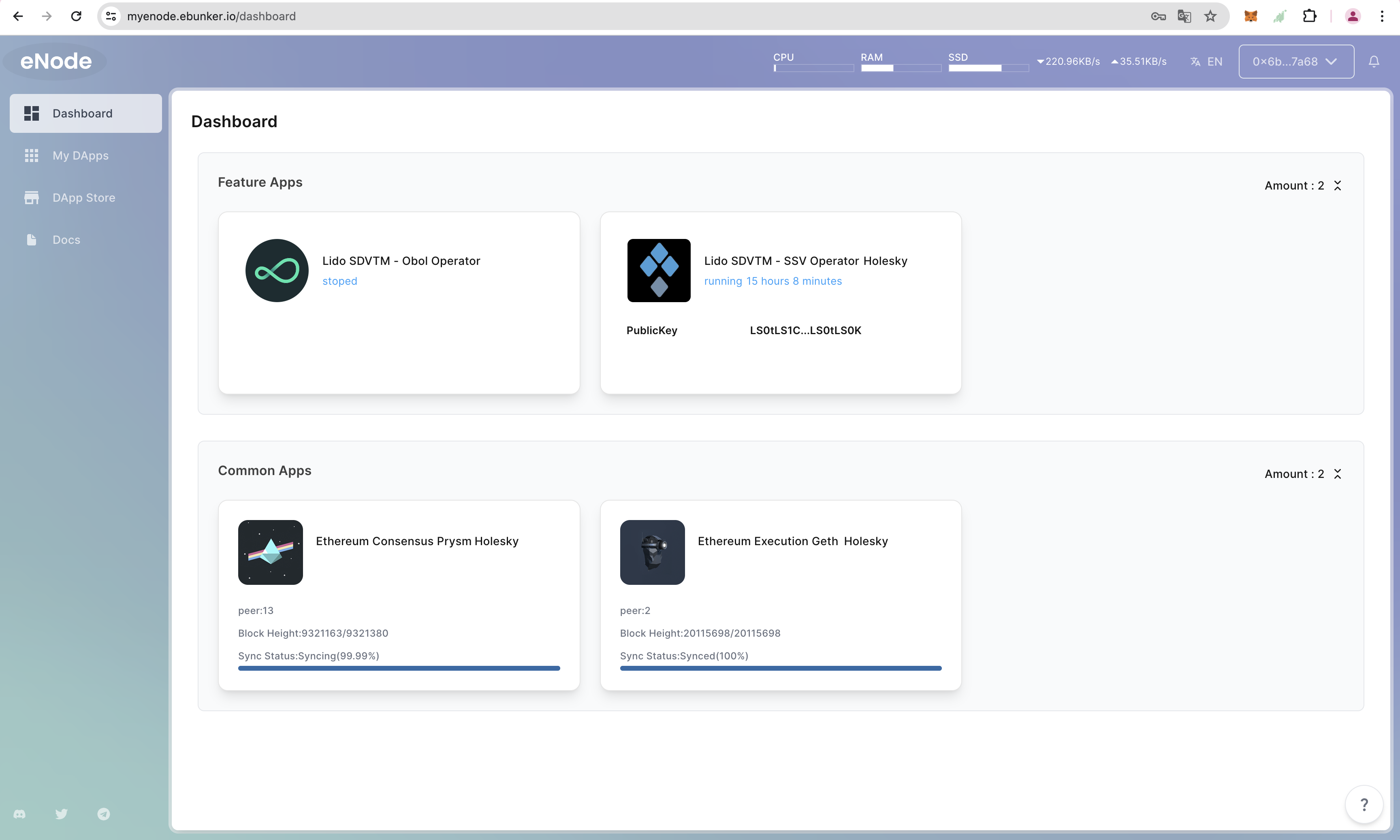
After setting, return to Dashboard to check the consensus layer/execution layer block synchronization status, confirm that block synchronization is complete.
Incomplete block synchronization may cause node failure.
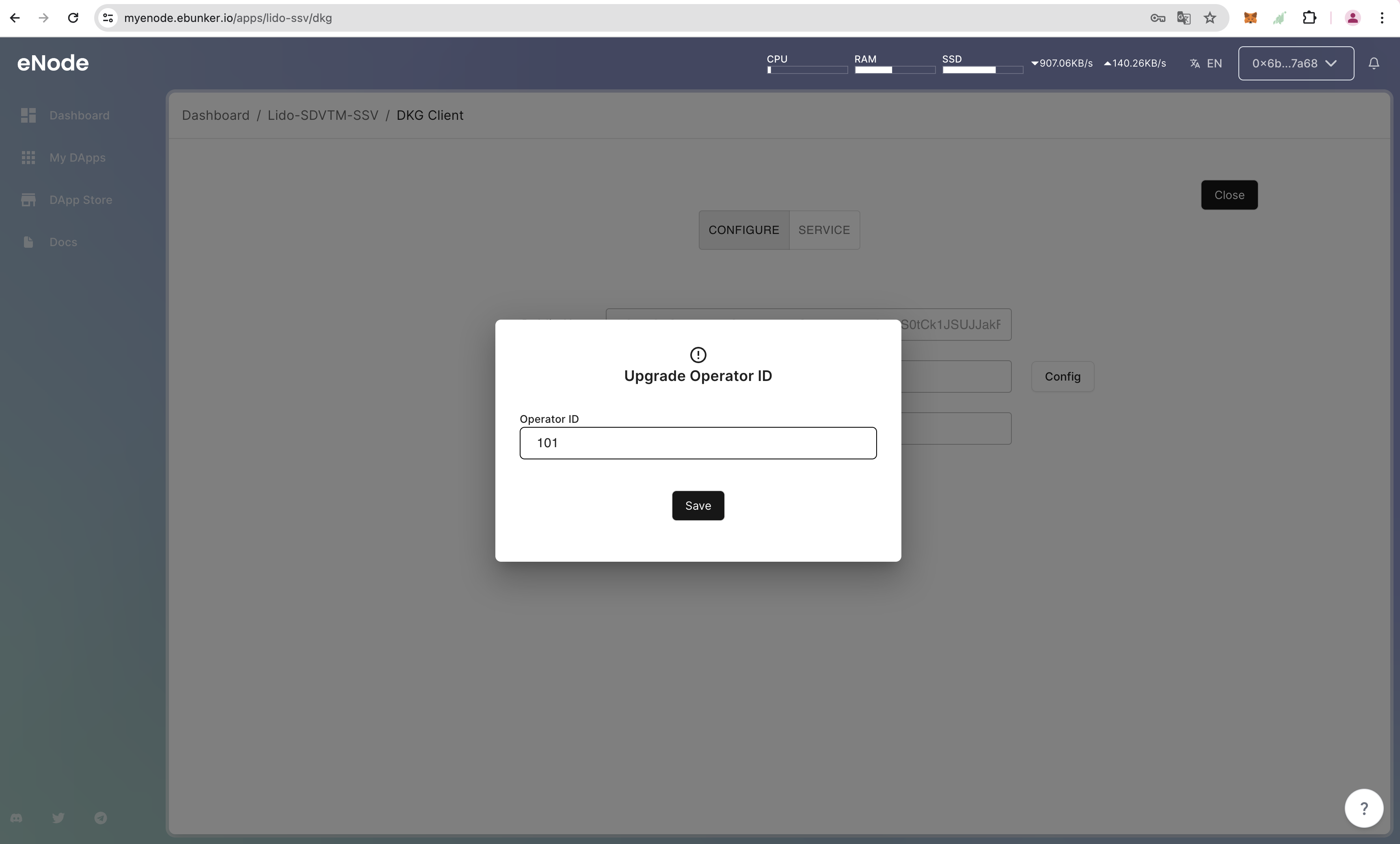
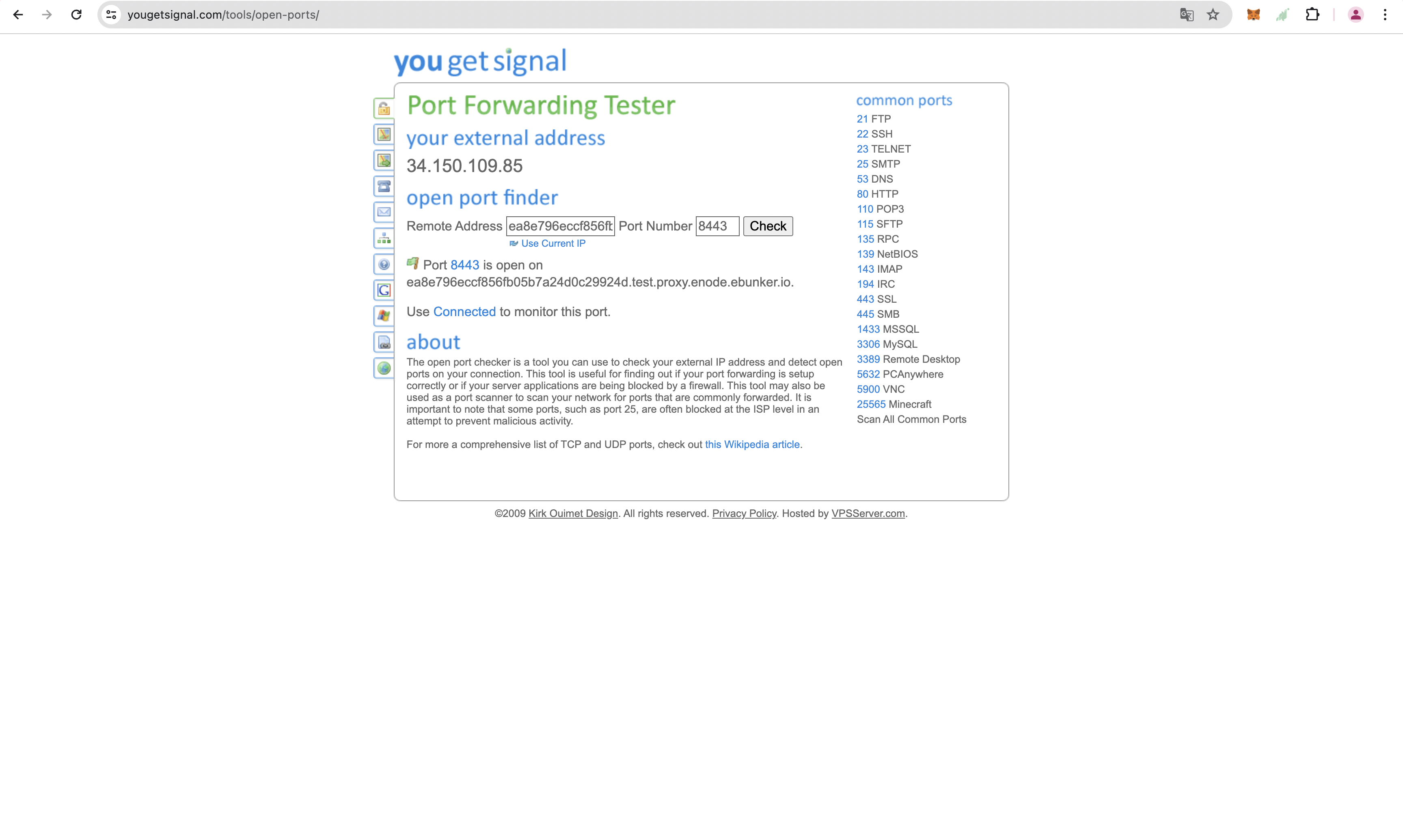
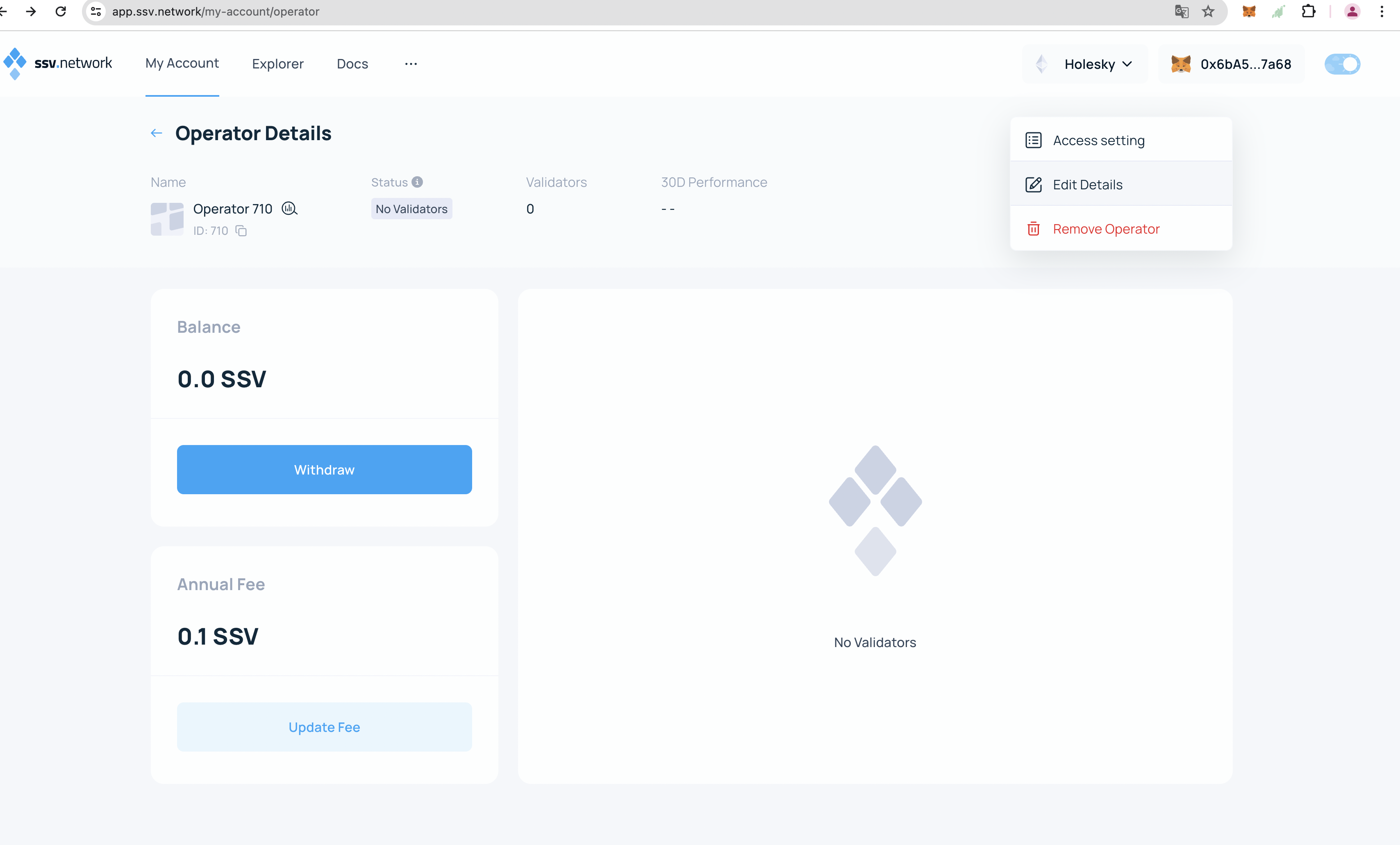
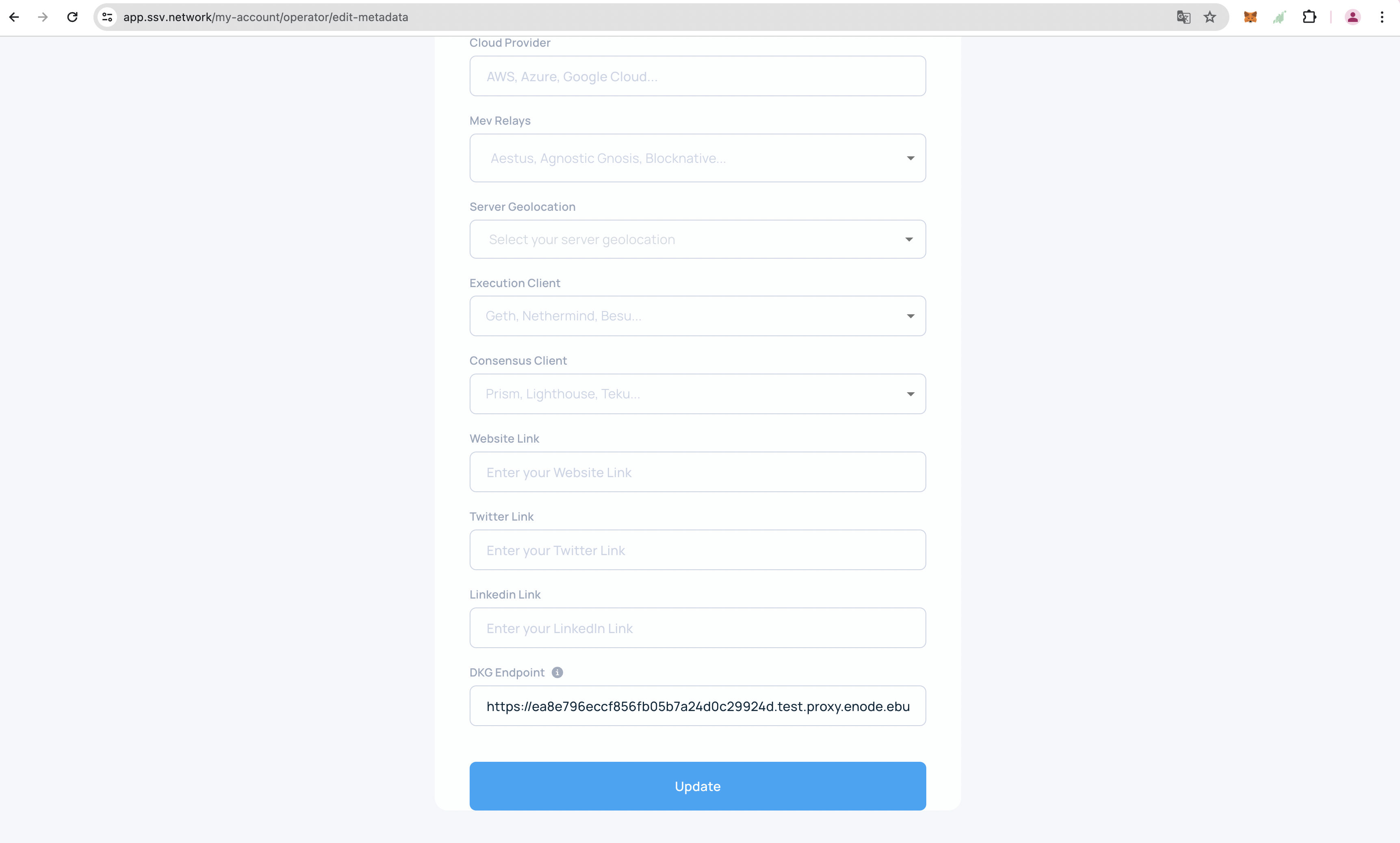
Click on My Operator, top right 【:】-Edit Detail, fill in the URL in the DKG Endpoint, click Update to update the information. After updating, DKG can be used.