Step 2: Running SSV Operator Node

Installing SSV Program

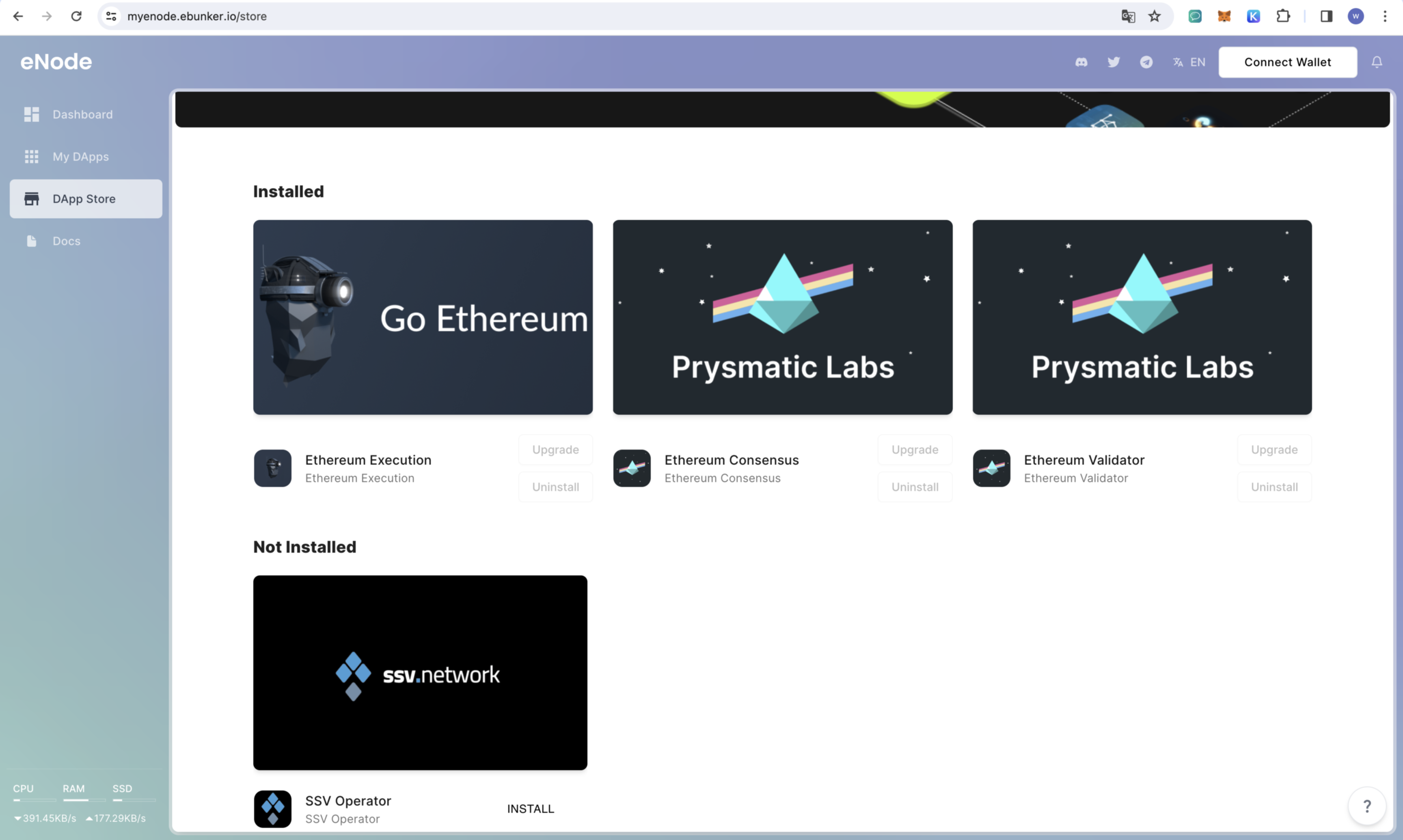
  • After logging in to the website, click on DApp Store and install the node application, which includes: execution layer node, consensus layer node, and SSV. Click Install to install the SSV Operator program.

Starting SSV Operator

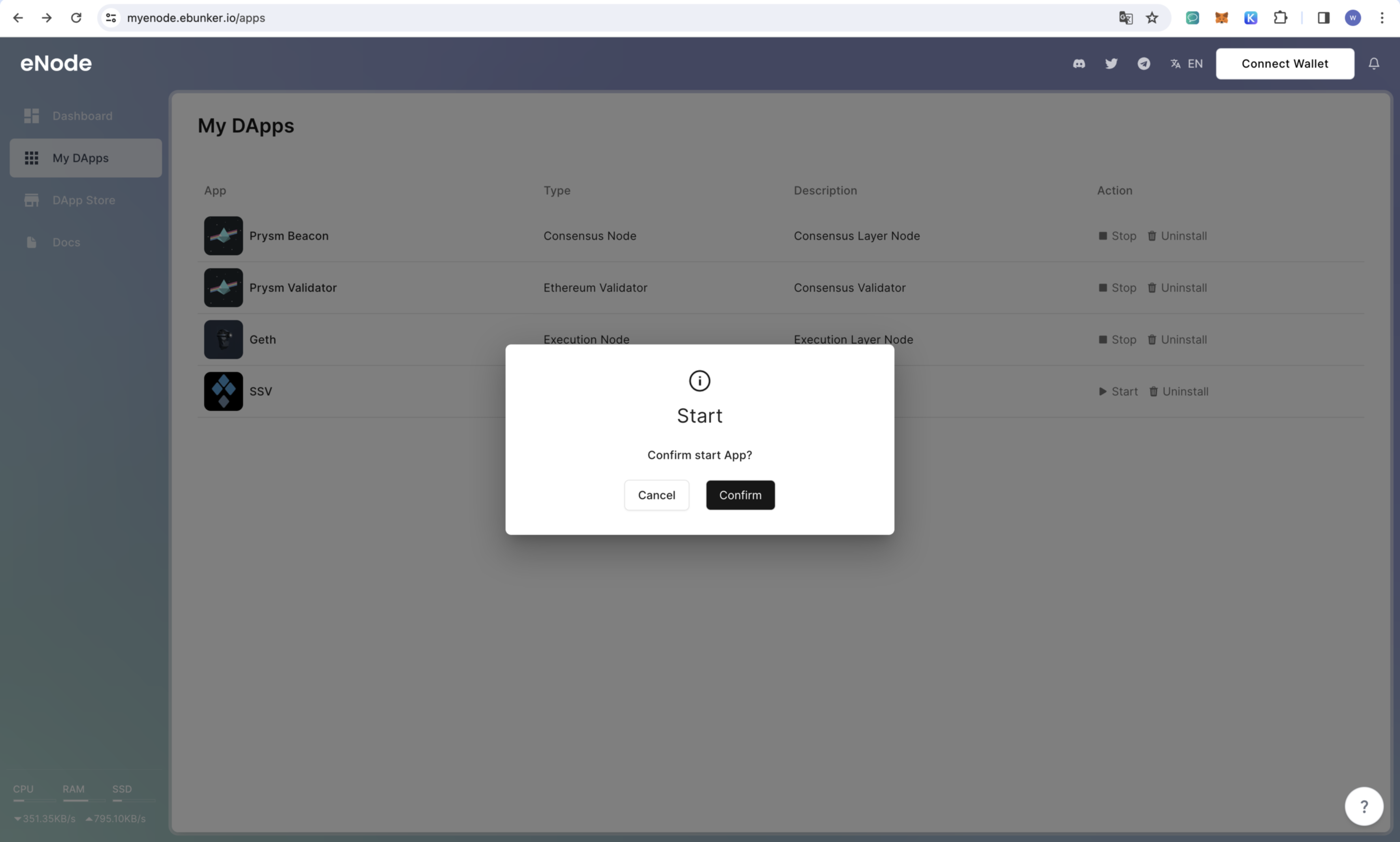
  • Click on My DApps to view installed applications. The required DApps for SSV Operator include: execution layer node, consensus layer node, and SSV. Click on start to launch the SSV Operator program.
Explanation of SSV Operator Program

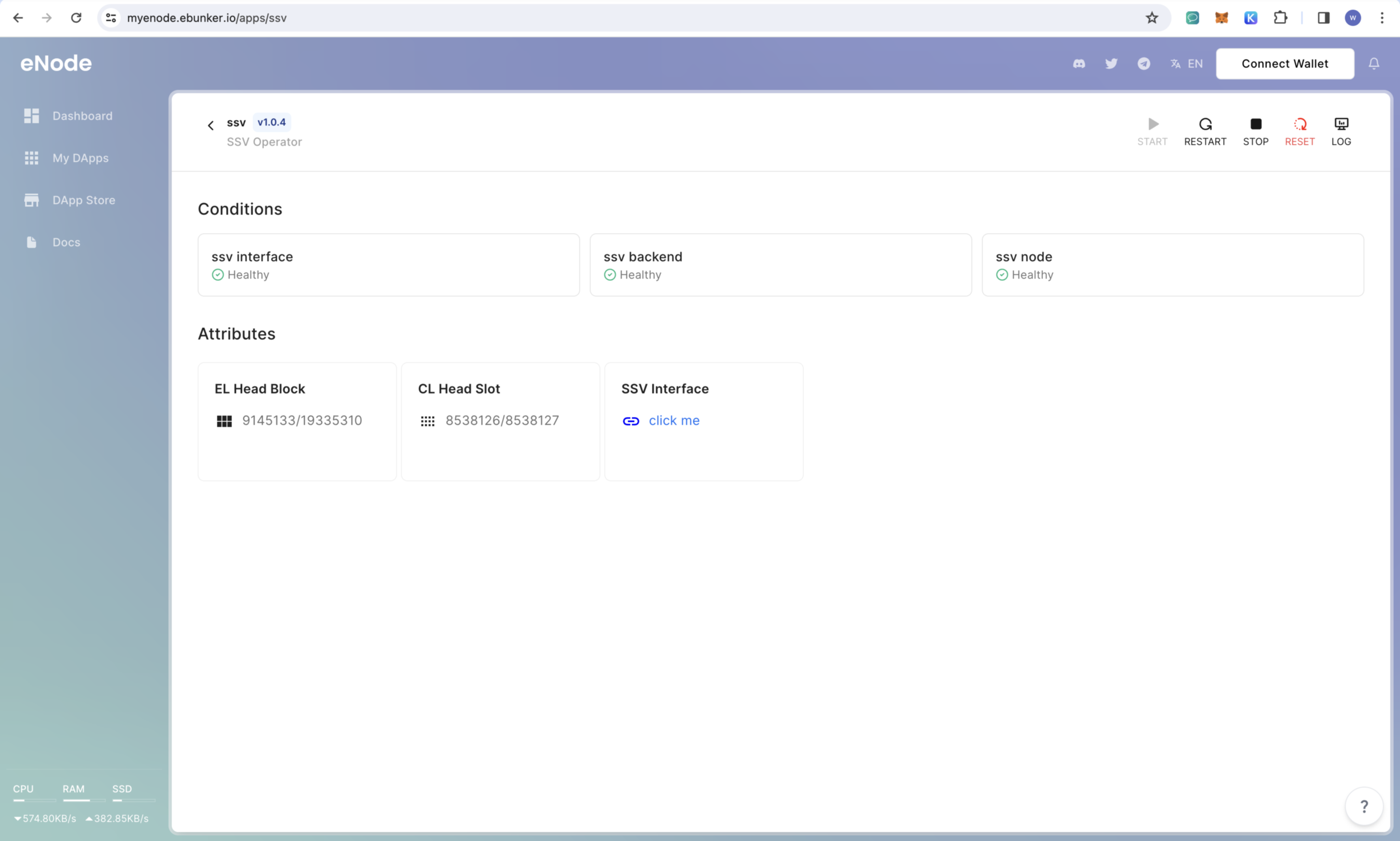
  • Click on My DApps - SSV to view the SSV program. SSV Operator consists of SSV node, SSV backend, and SSV frontend.

Uploading SSV Operator Private Key

  • Click on Attributes - ssv interface - click me
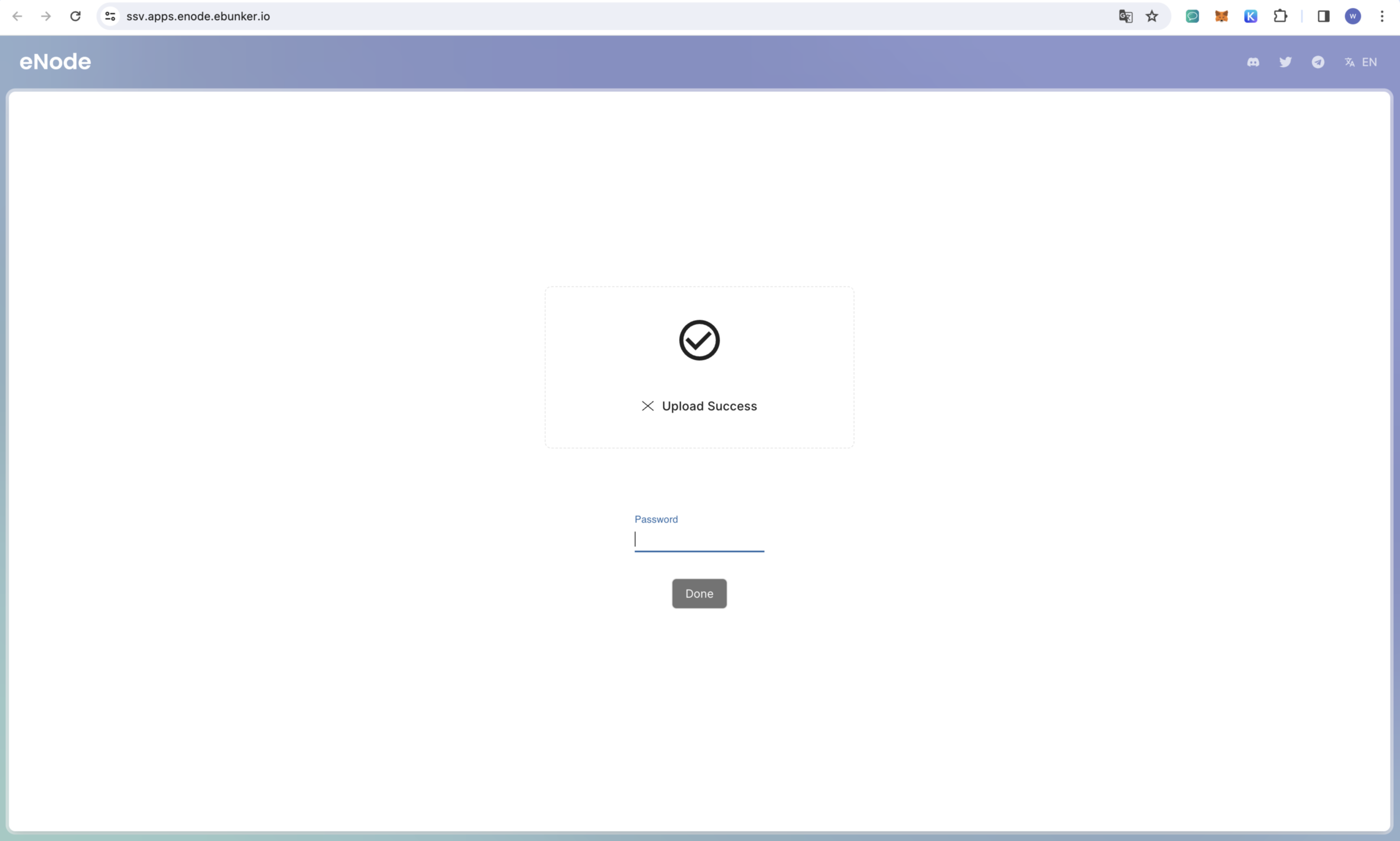
  • You will be redirected to the frontend page at https://ssv.apps.enode.ebunker.io/
  • Select the generated SSV operator private key, enter the private password, and upload it to eNode.

Registering SSV Operator