Step 3: Registering SSV Operator
Registering Operator
- Open the SSV official website: https://app.ssv.network/join
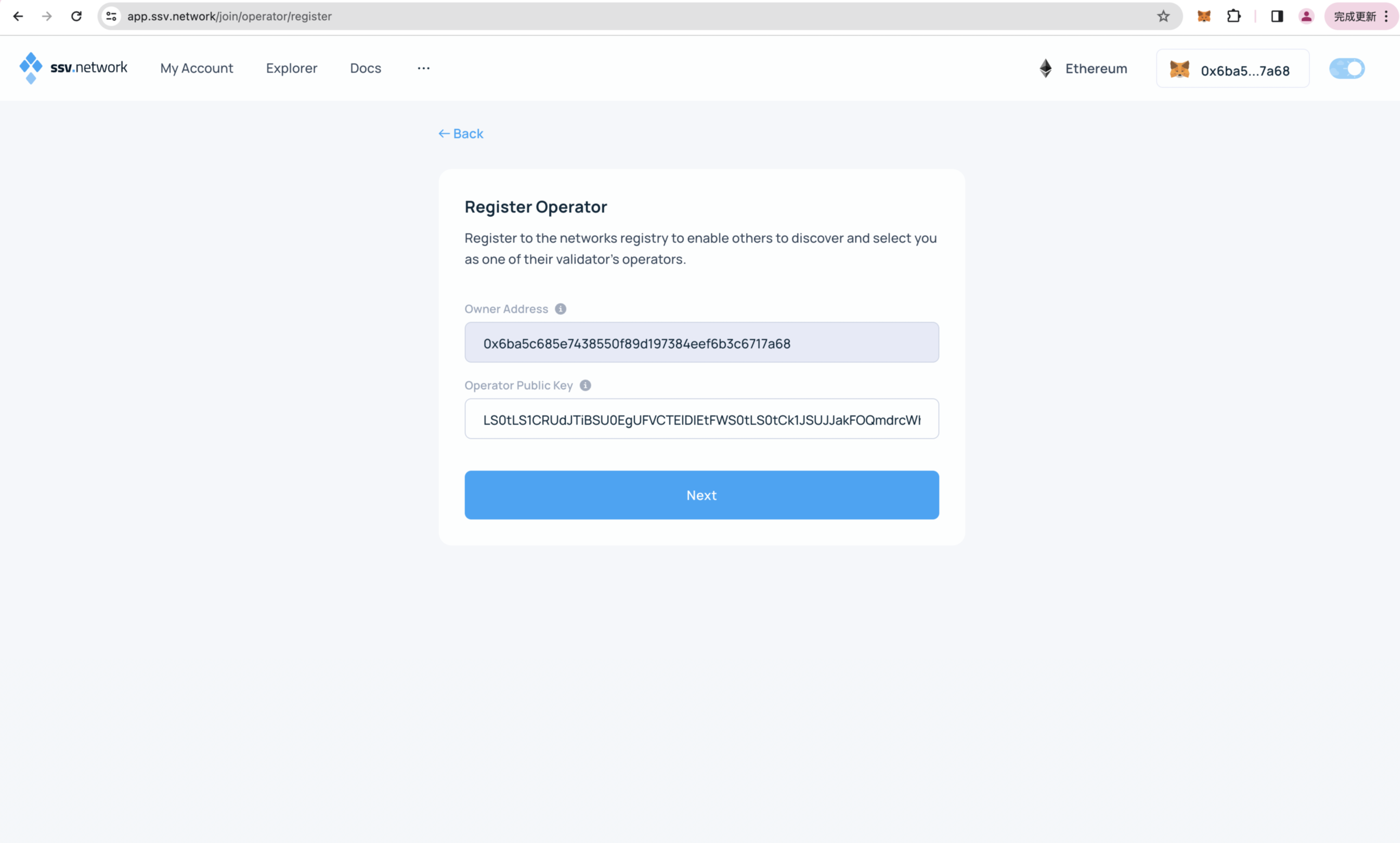
- Click on Join as Operator - Register Operator - Next
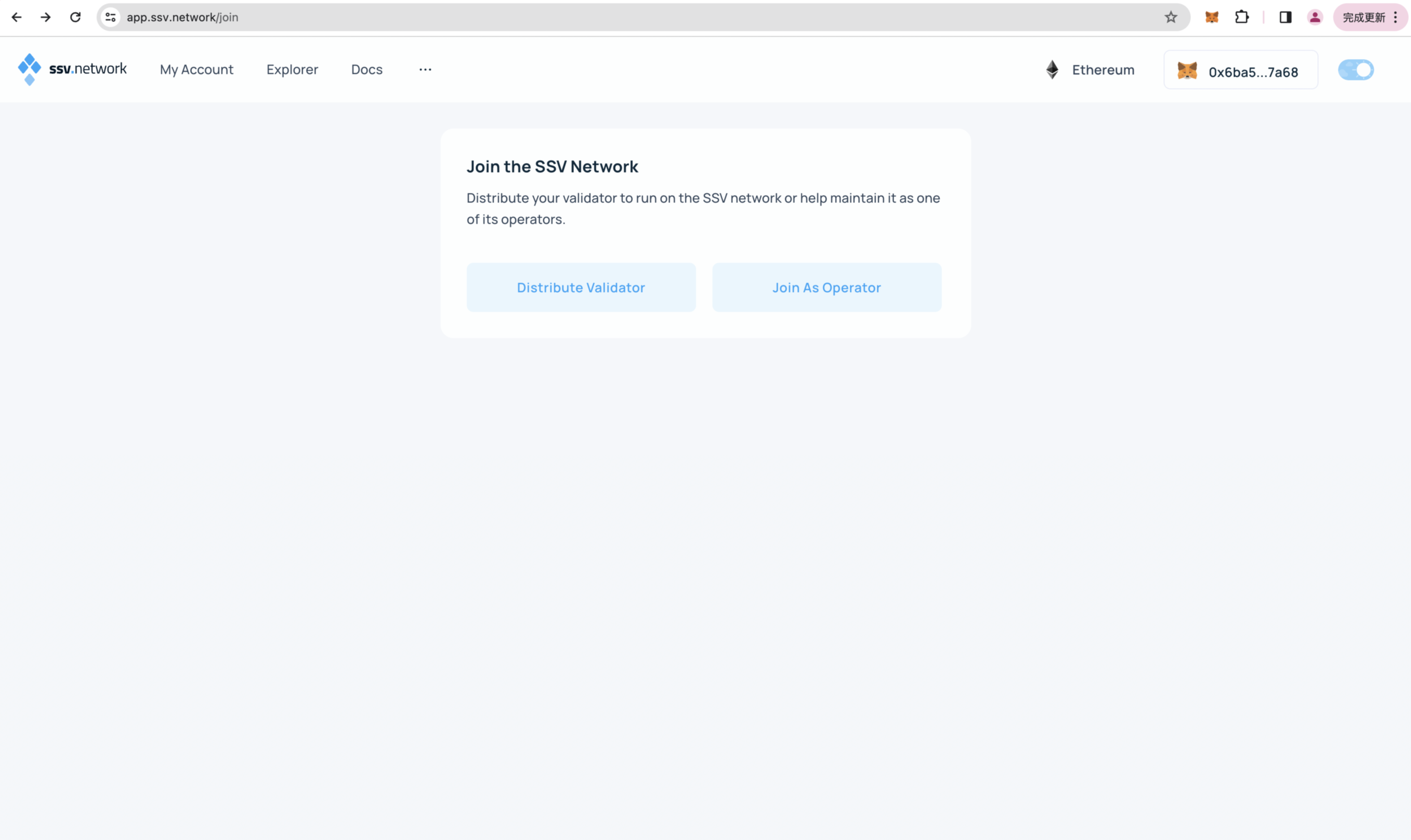
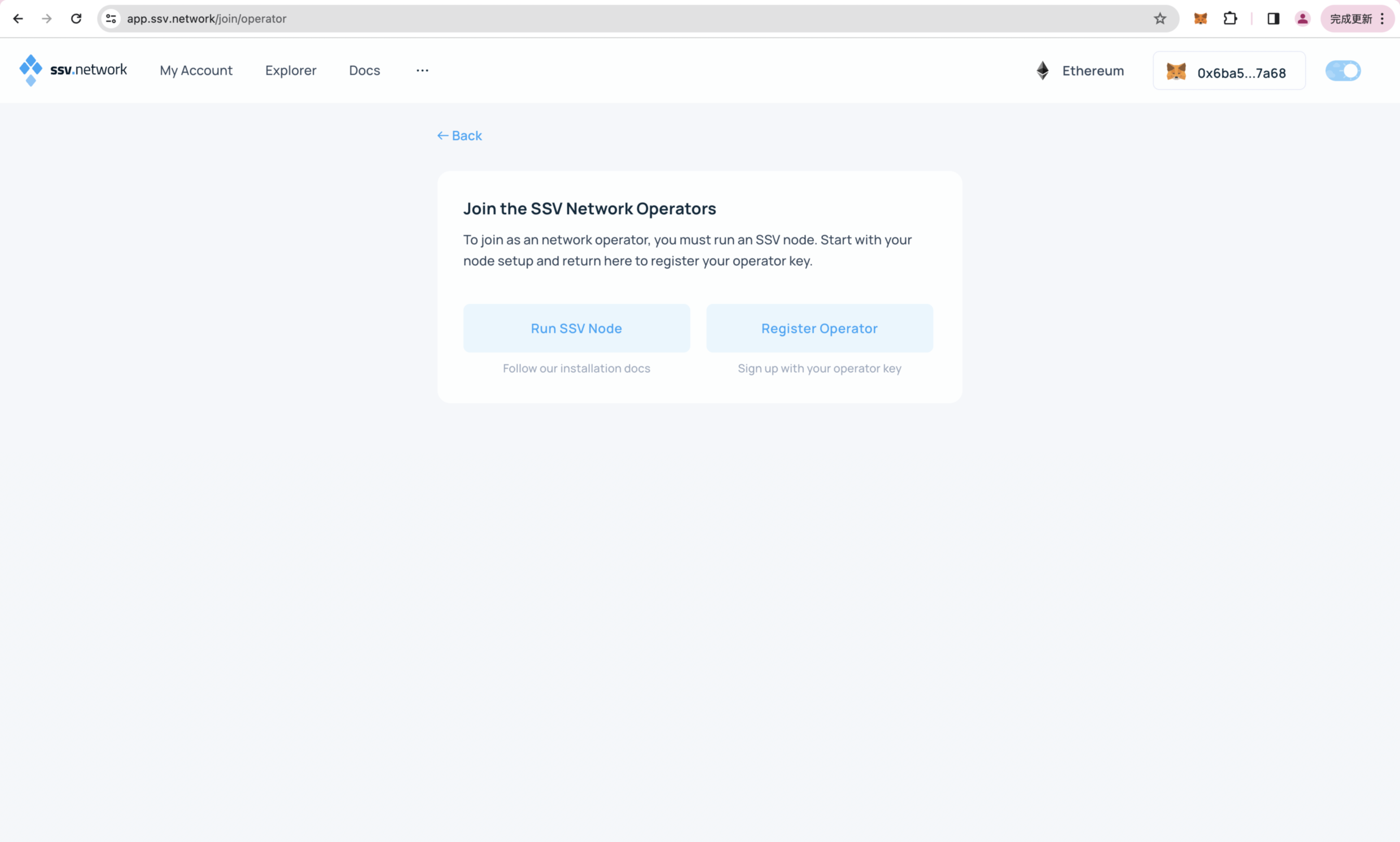
- Open the private key created in the first step and view the last field of the file, which is the publicKey.
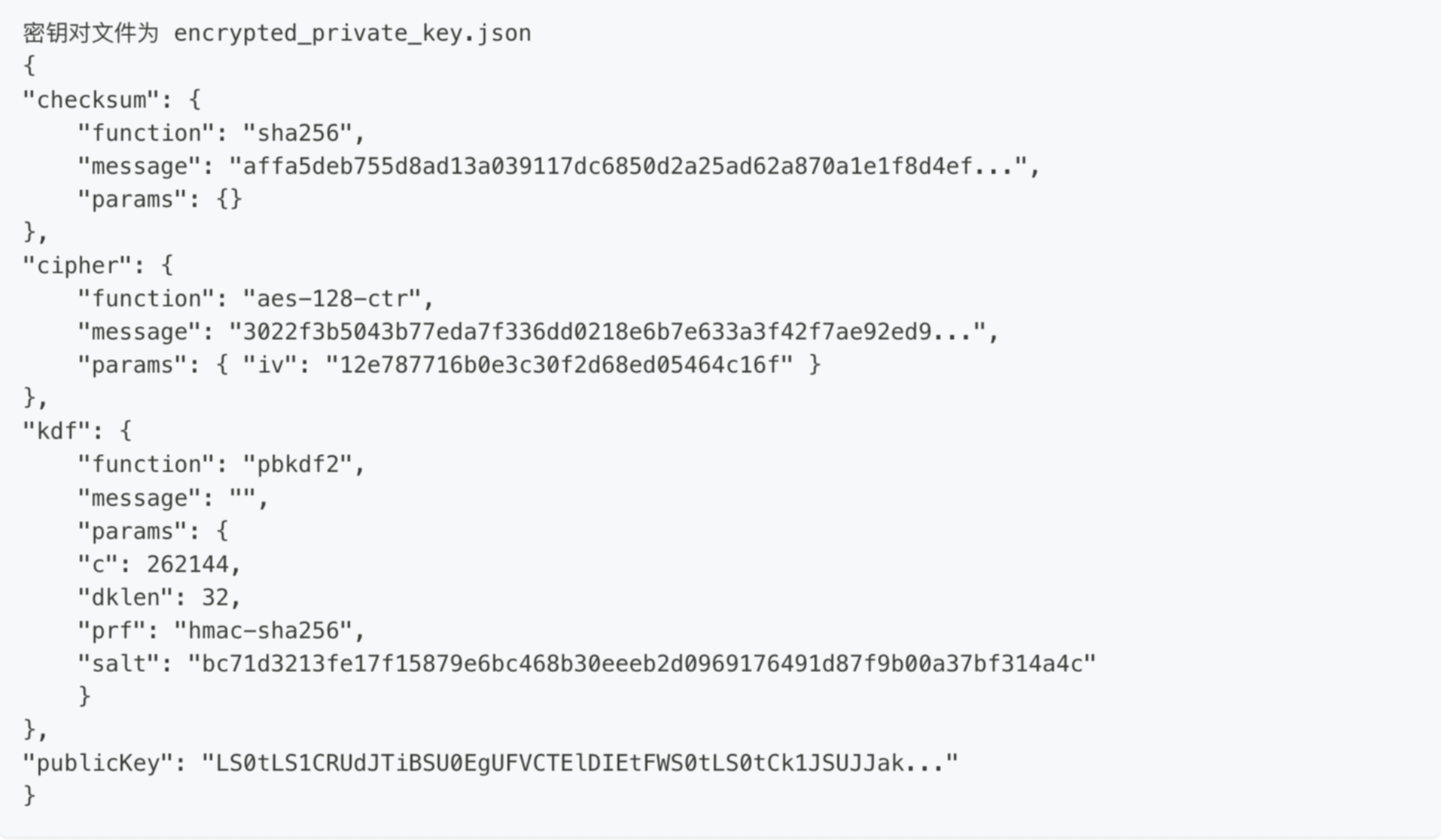
- Enter operator publicKey.
- Set the operator fee.
- Set the quantity according to your own needs, refer to the document for details:[SSV Operator User Guides](https://docs.ssv.network/operator-user-guides/operator-management/registration)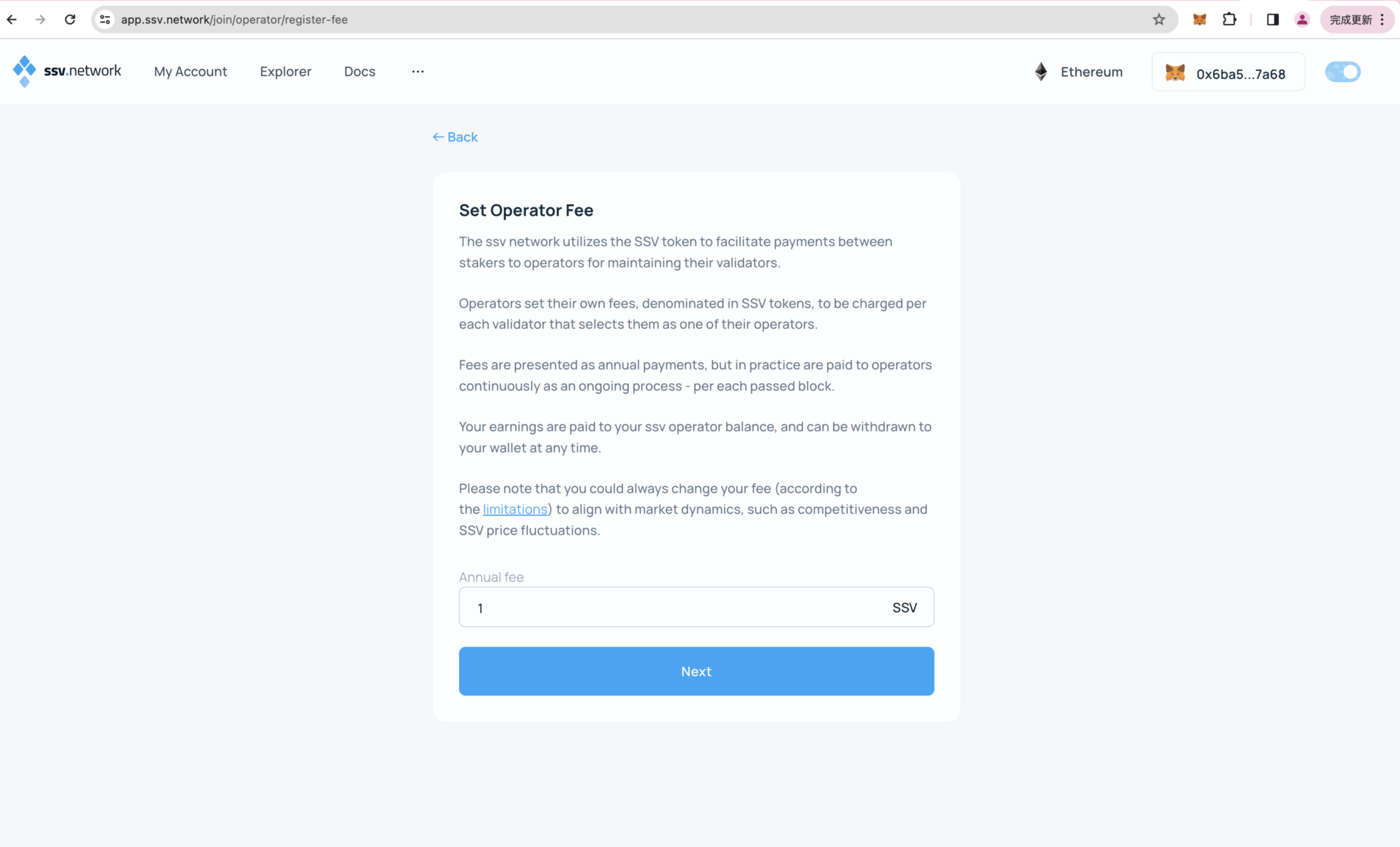
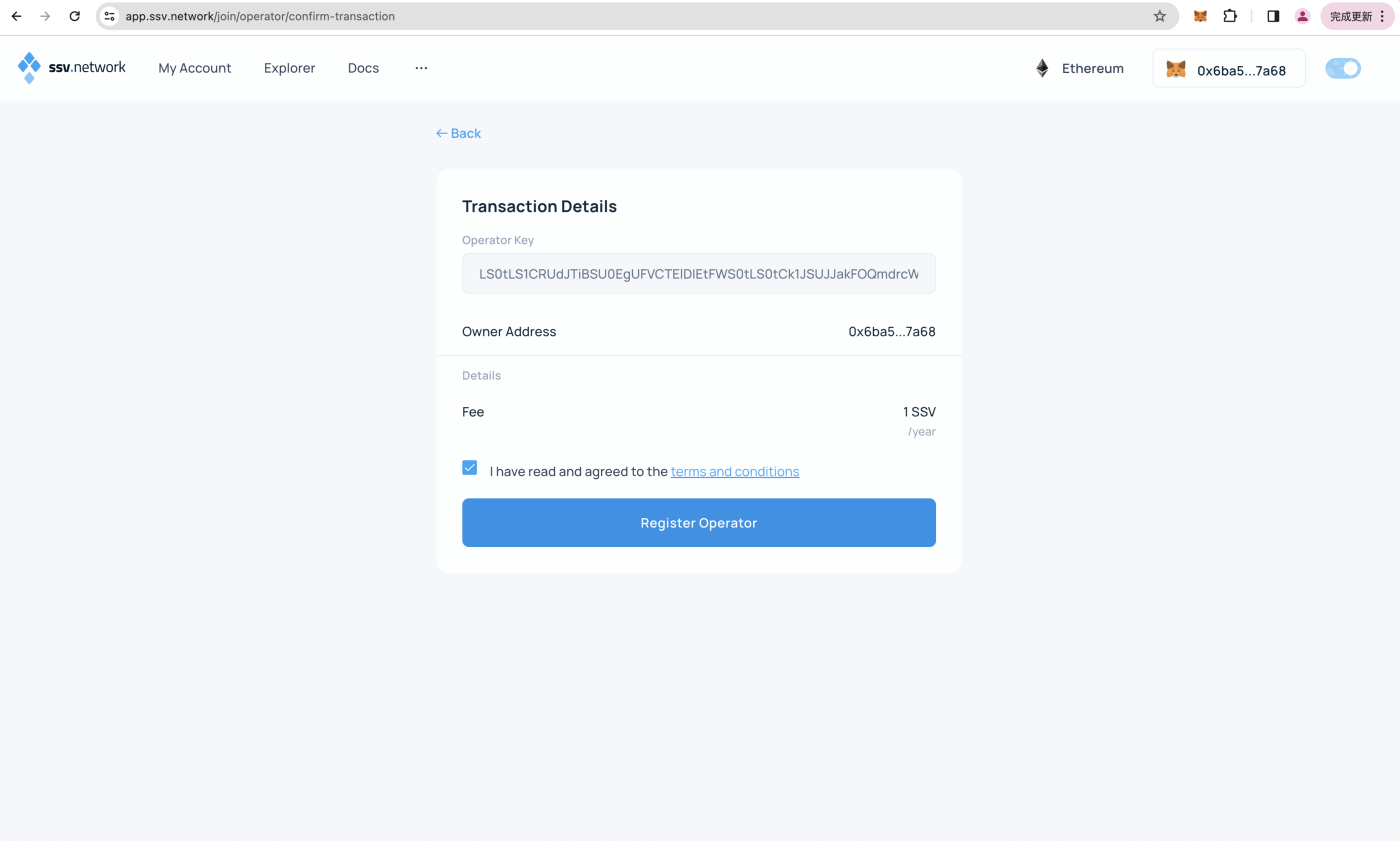
- Confirm SSV operator registration information - Click on Register Operator - Complete wallet signature.
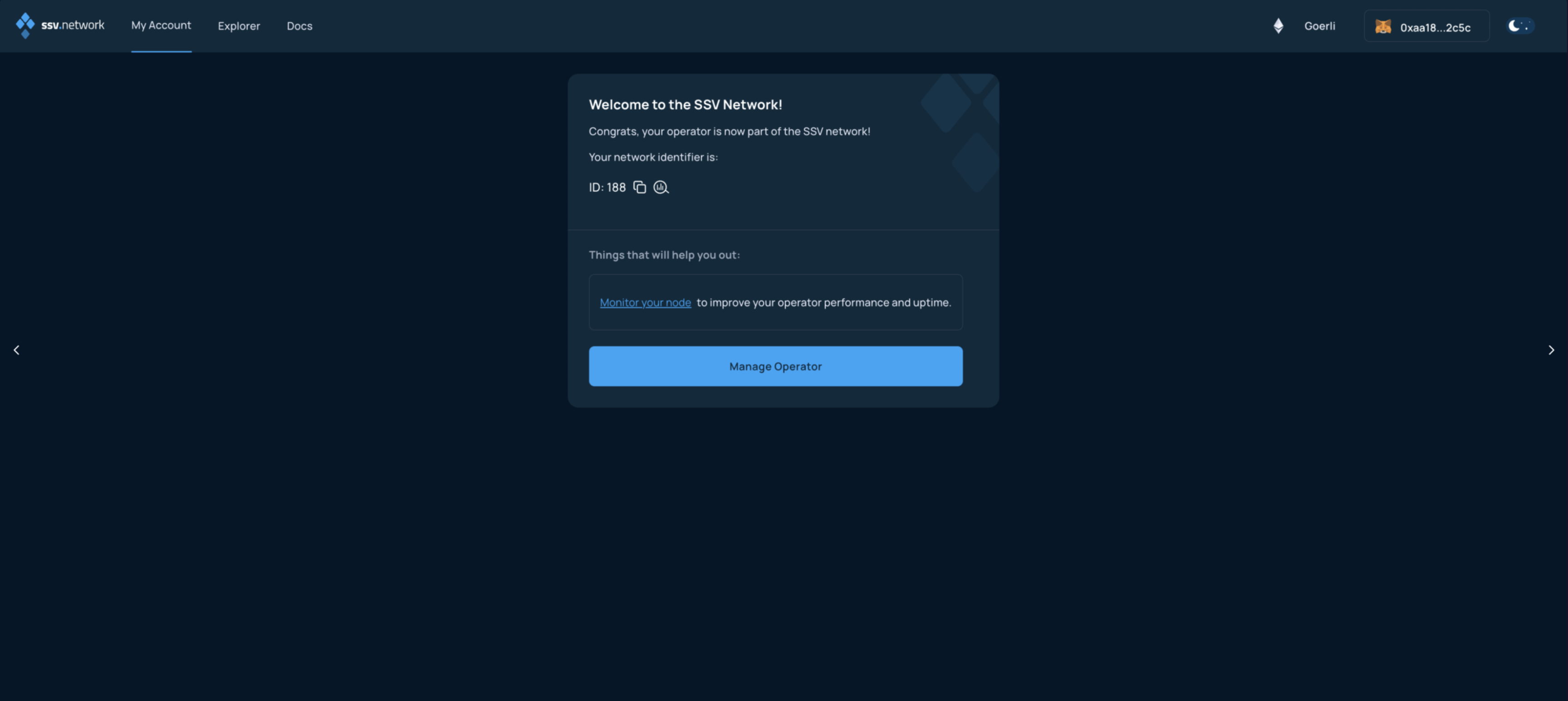
- Registration successful. Congratulations on successfully creating your own SSV Operator
- After registration is completed, click [my account] to view the operator status
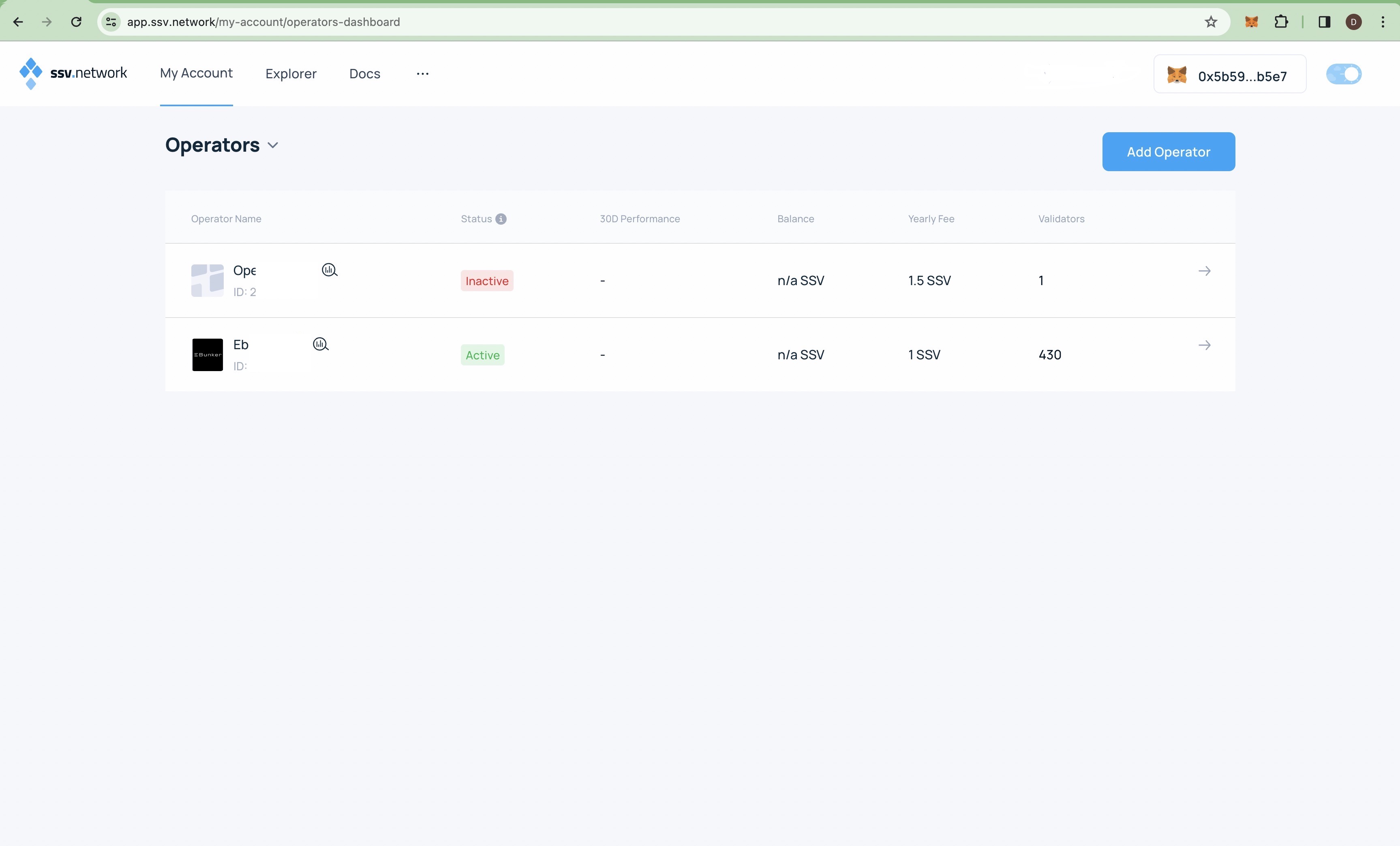
- For detailed operations, see: SSV Operator User Guides