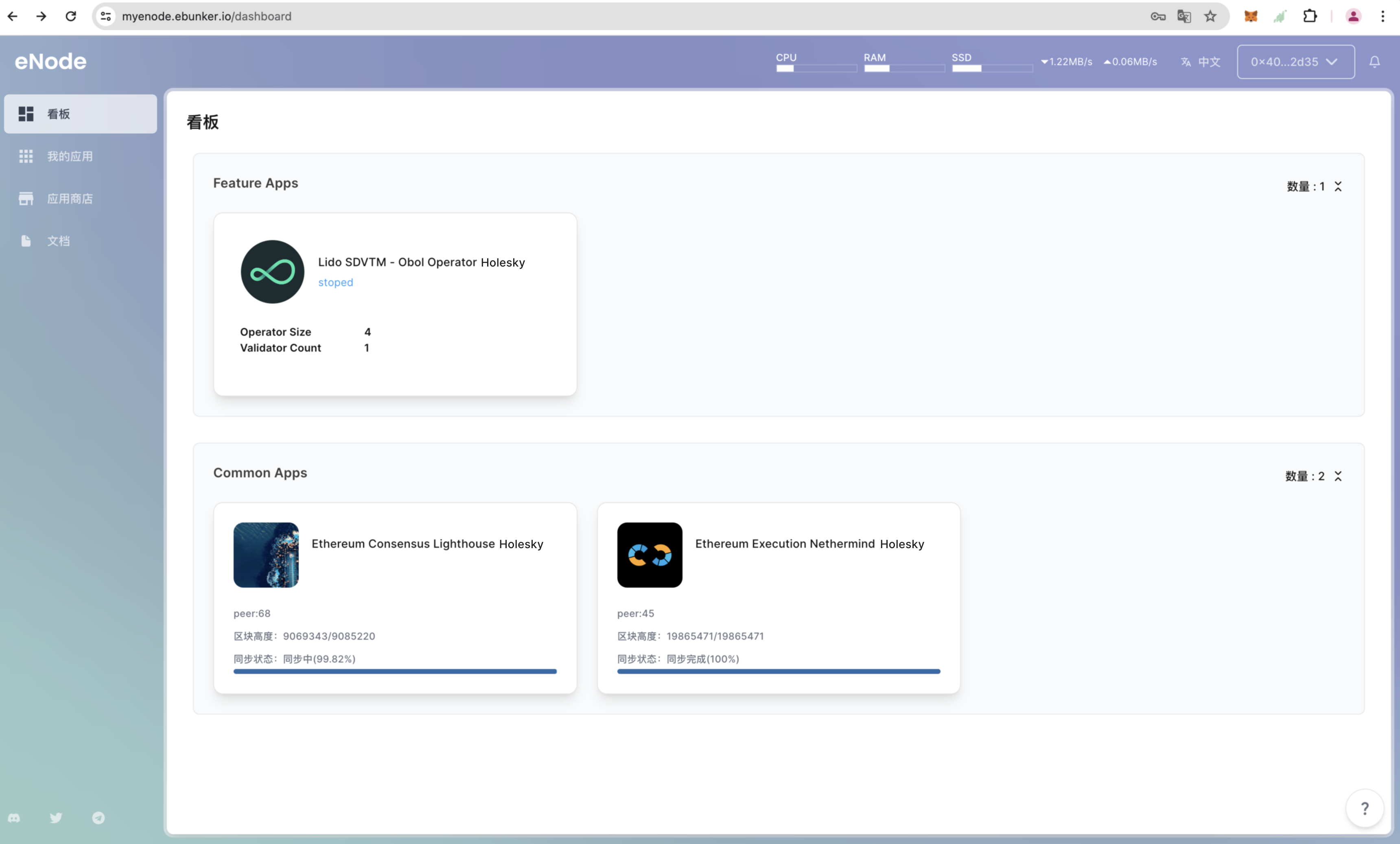
步骤1:安装Obol应用
开机引导
- 运行验证者程序前,请先完成开机引导
- 开机引导
安装Obol应用(Holesky网络)
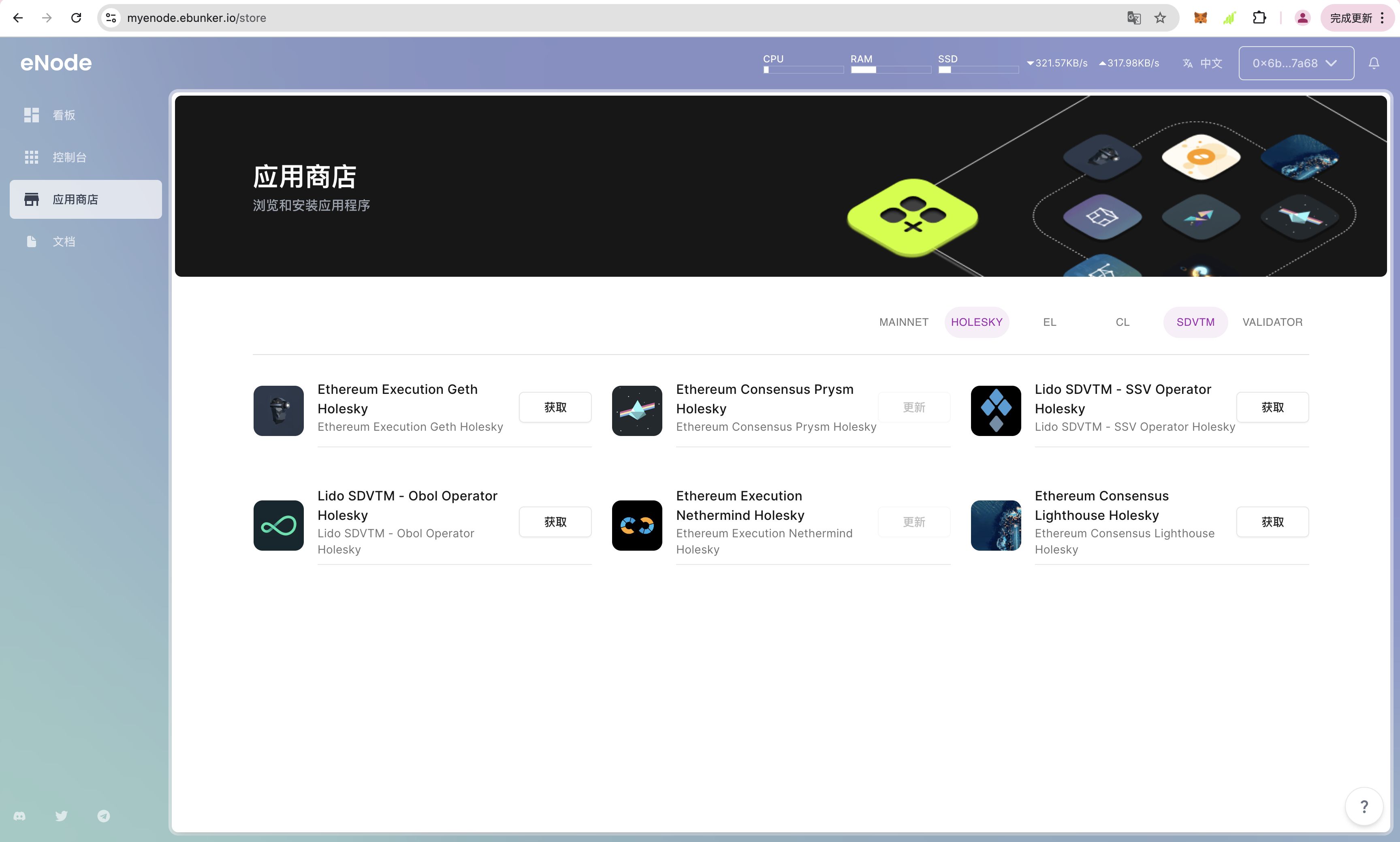
- 登录网站后,点击【应用商店】,安装Holesky网络节点应用,包含:Execution Layer Node Nethermind Holesky, Consensus Layer Node Lighthouse Holesky, 以及Lido SDVTM - Obol Operator Holesky,点击【安装】安装Obol Operator程序。
- 建议使用Execution Layer Node Nethermind Holesky, Consensus Layer Node Lighthouse Holesky客户端,若启动其他以太坊客户端可先停止并卸载。
启动以太坊EL/CL 客户端(Holesky 网络)
- 点击【我的应用】,查看已安装应用,Obol Operator所需客户端如下:执行层节点Nethermind、共识层节点Lighthouse
- 点击
启动,启动Nethermind、Lighthouse客户端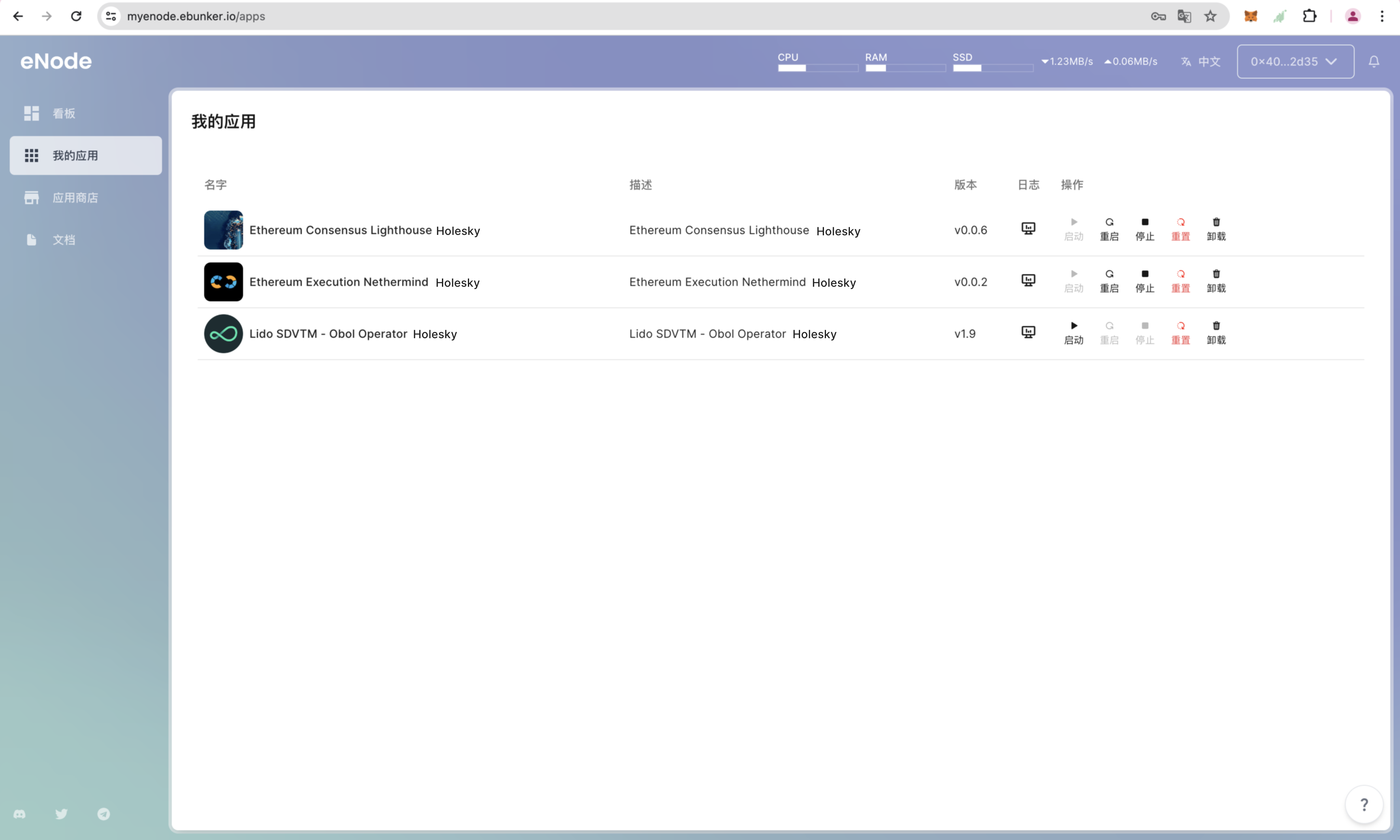
配置Obol Operator
- 点击【看板】-【Obol Operator】,查看Obol Operator程序
- 配置Obol