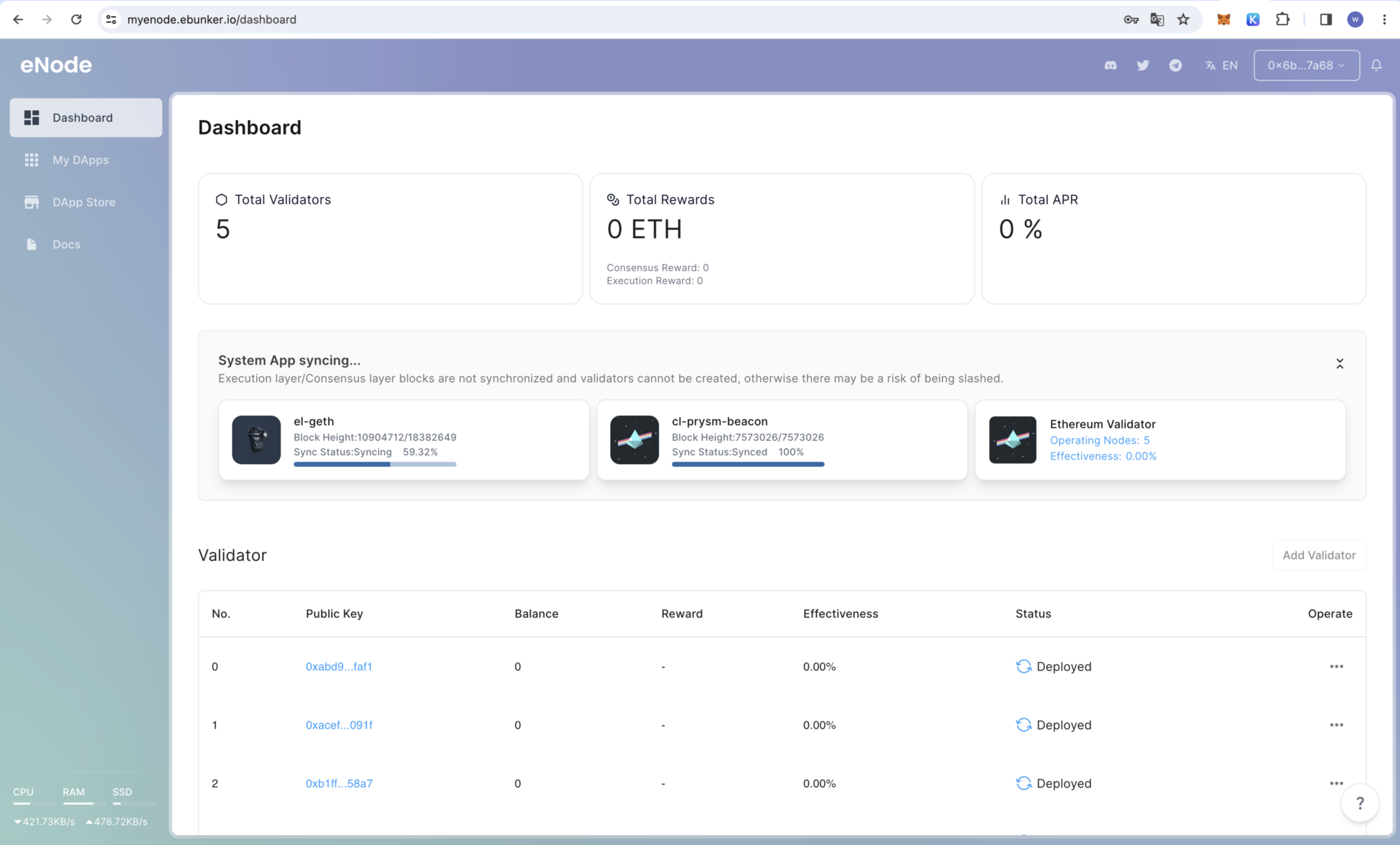
After the node is started, click on Dashboard to check the node's operational status and box hardware status (such as CPU, memory, etc.).
Applications: Check the status of consensus layer nodes, execution layer nodes, validator nodes, and efficiency. ETH staking can only be performed when the consensus layer node and execution layer node block status shows "Synchronization Completed."
❗️❗️The mnemonic phrase is the only credential to retrieve your staked principal. Please keep it confidential and make backups; otherwise, you may lose your staked principal.
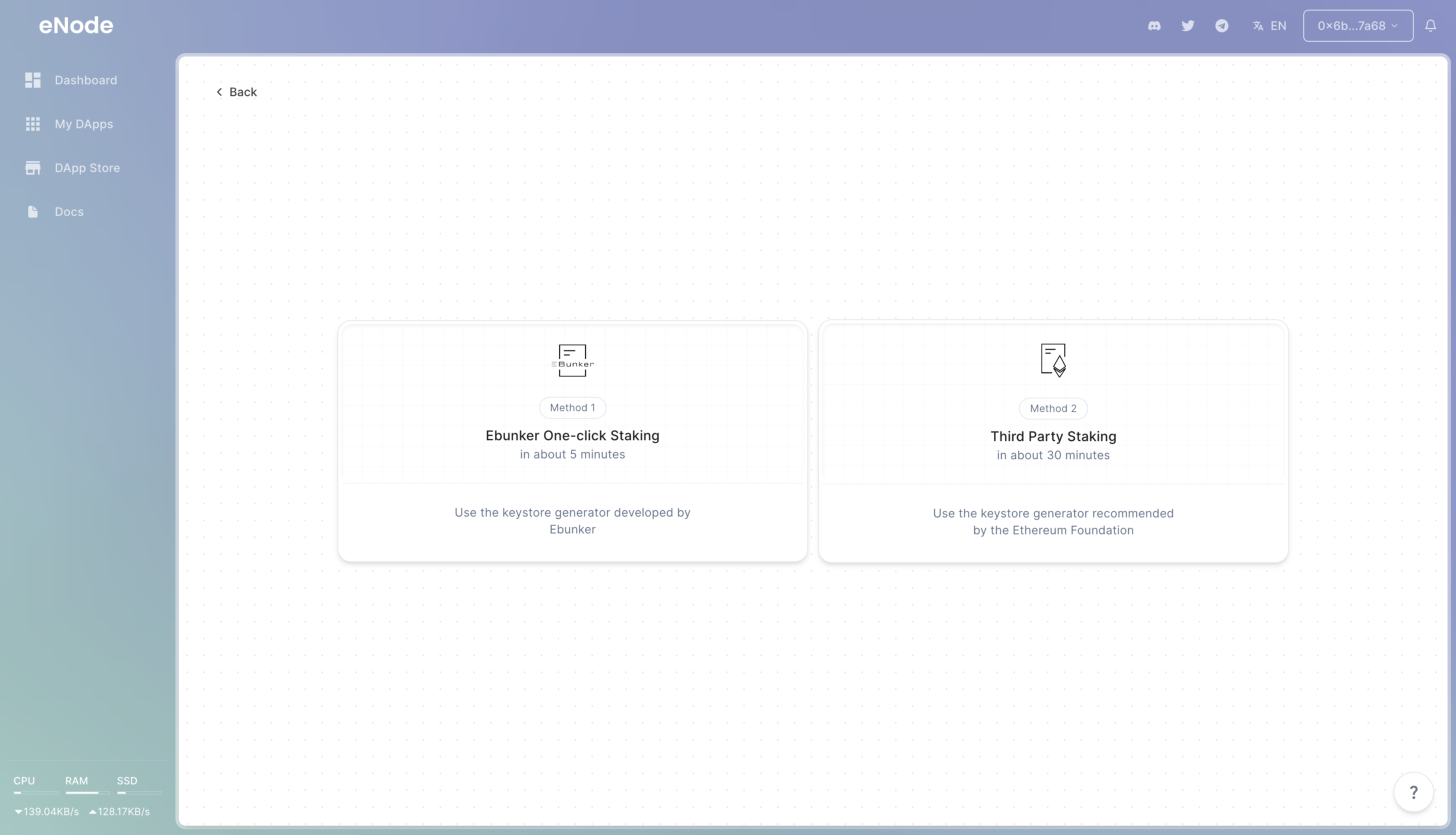
Click on the bottom right corner [Add Validator] - [Ebunker One-Stop Node Staking].
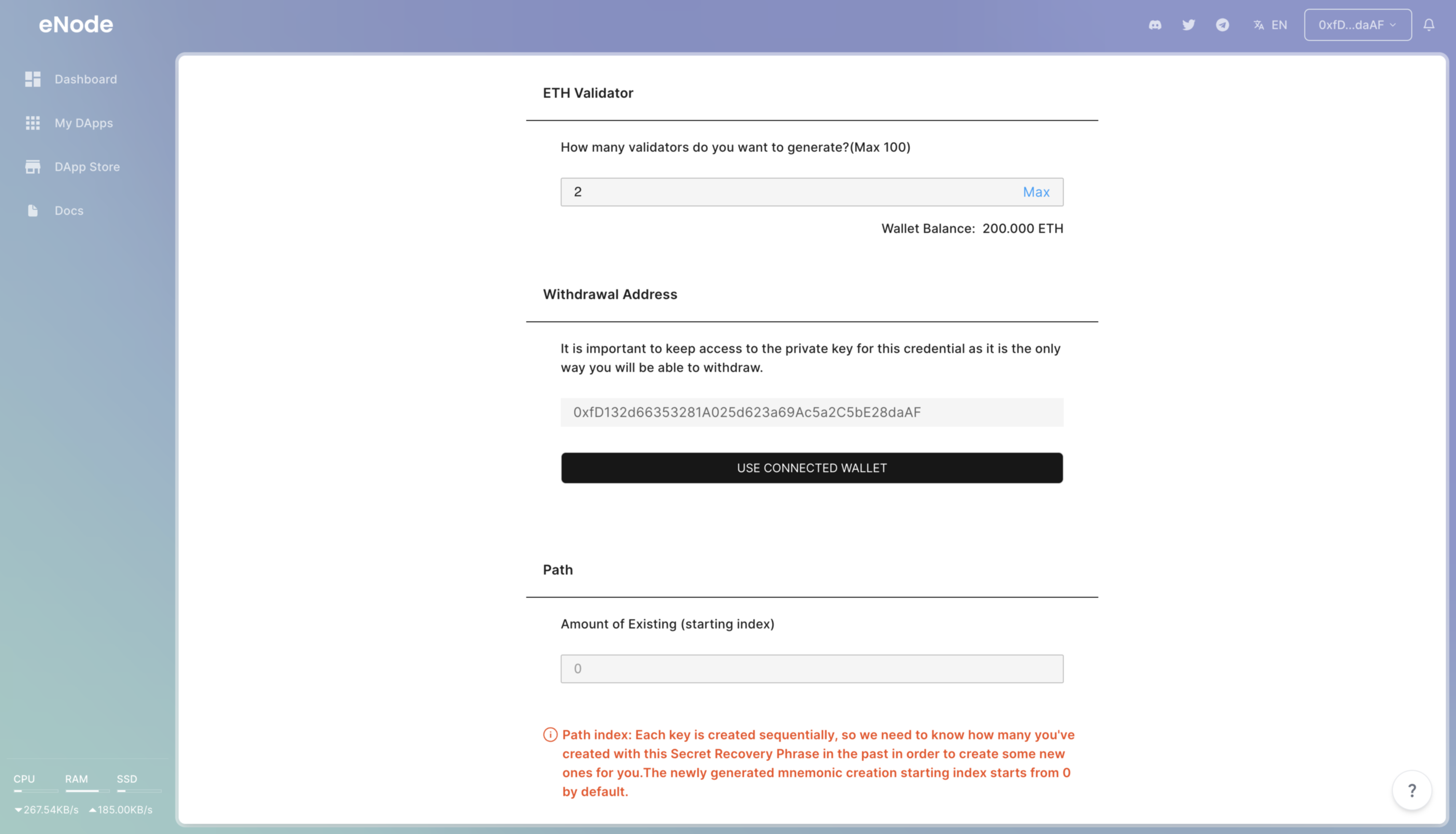
Enter the number of validators to be created. Each validator can stake 32 ETH. Select the number of validators based on your ETH holdings. ❗️❗️Each device can stake a maximum of 5 validators.
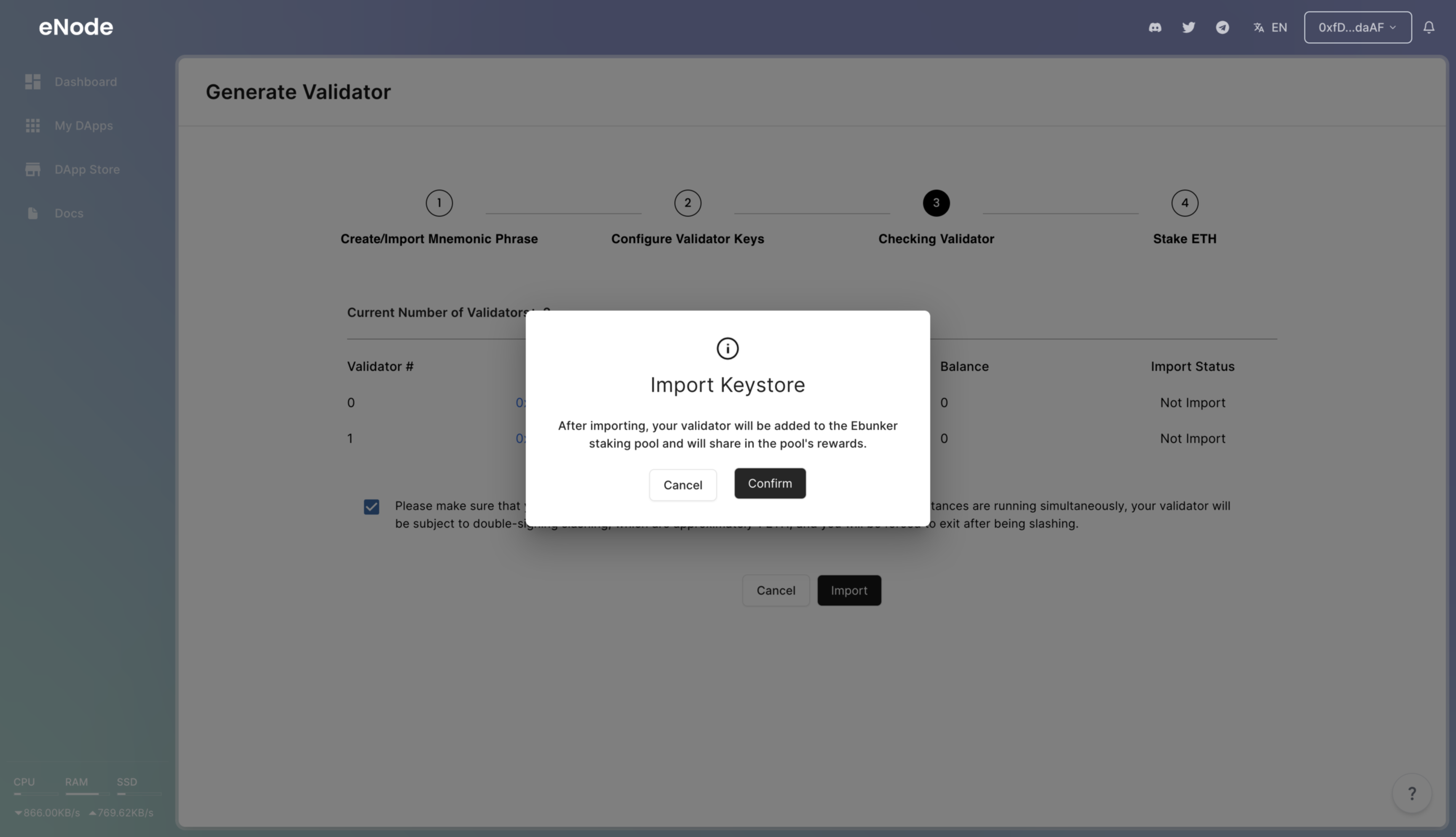
Enter the starting sequence number. If you have previously created validators with the same mnemonic phrase, you need to start from the next sequence number of validators already created. If you haven't created validators before, the default starting sequence number is 0. Click Next, and the system will generate node key files and create nodes.
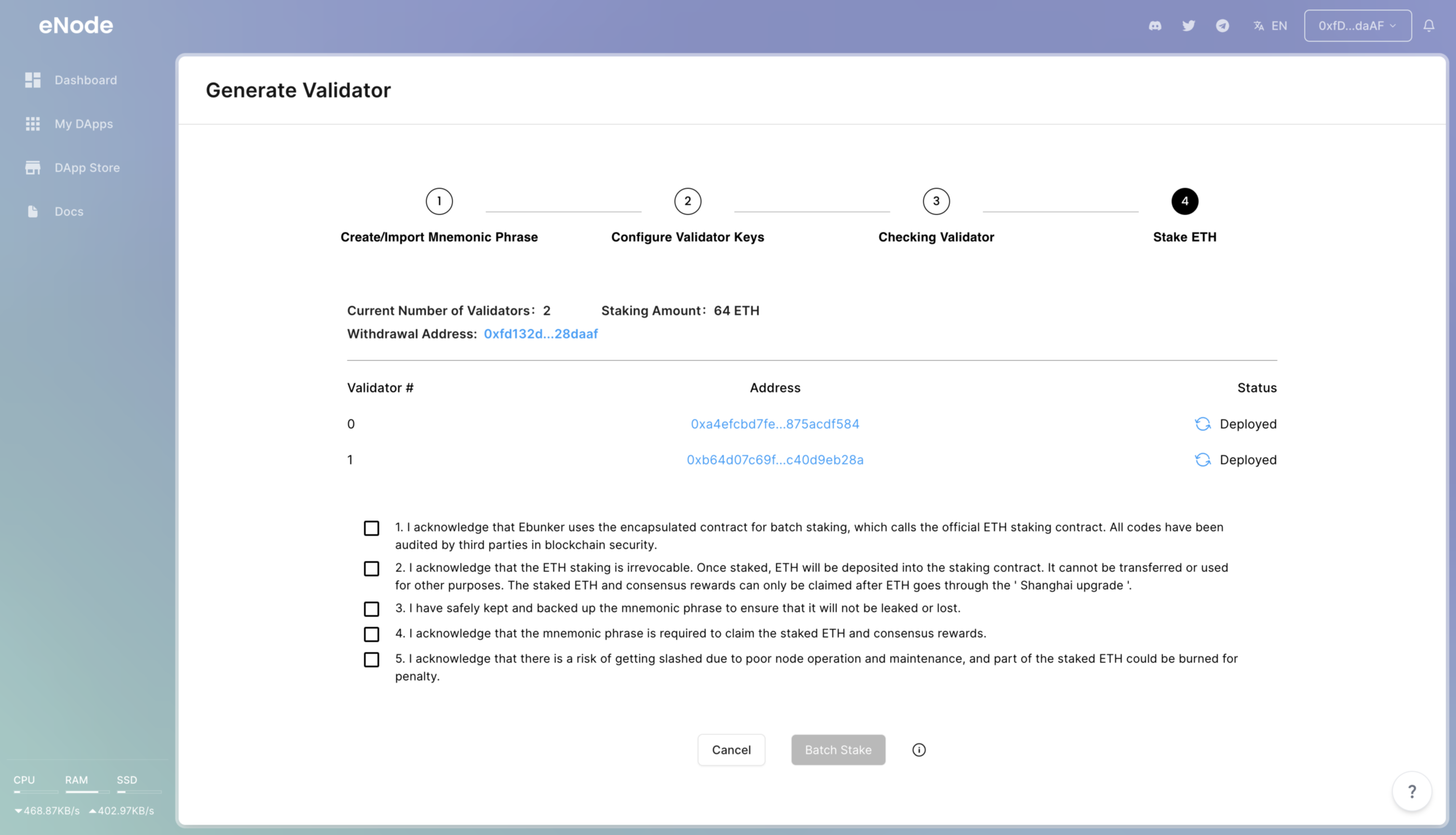
Withdrawal Address: This address is the recipient address for ETH withdrawals and is set as the currently connected wallet address by default.