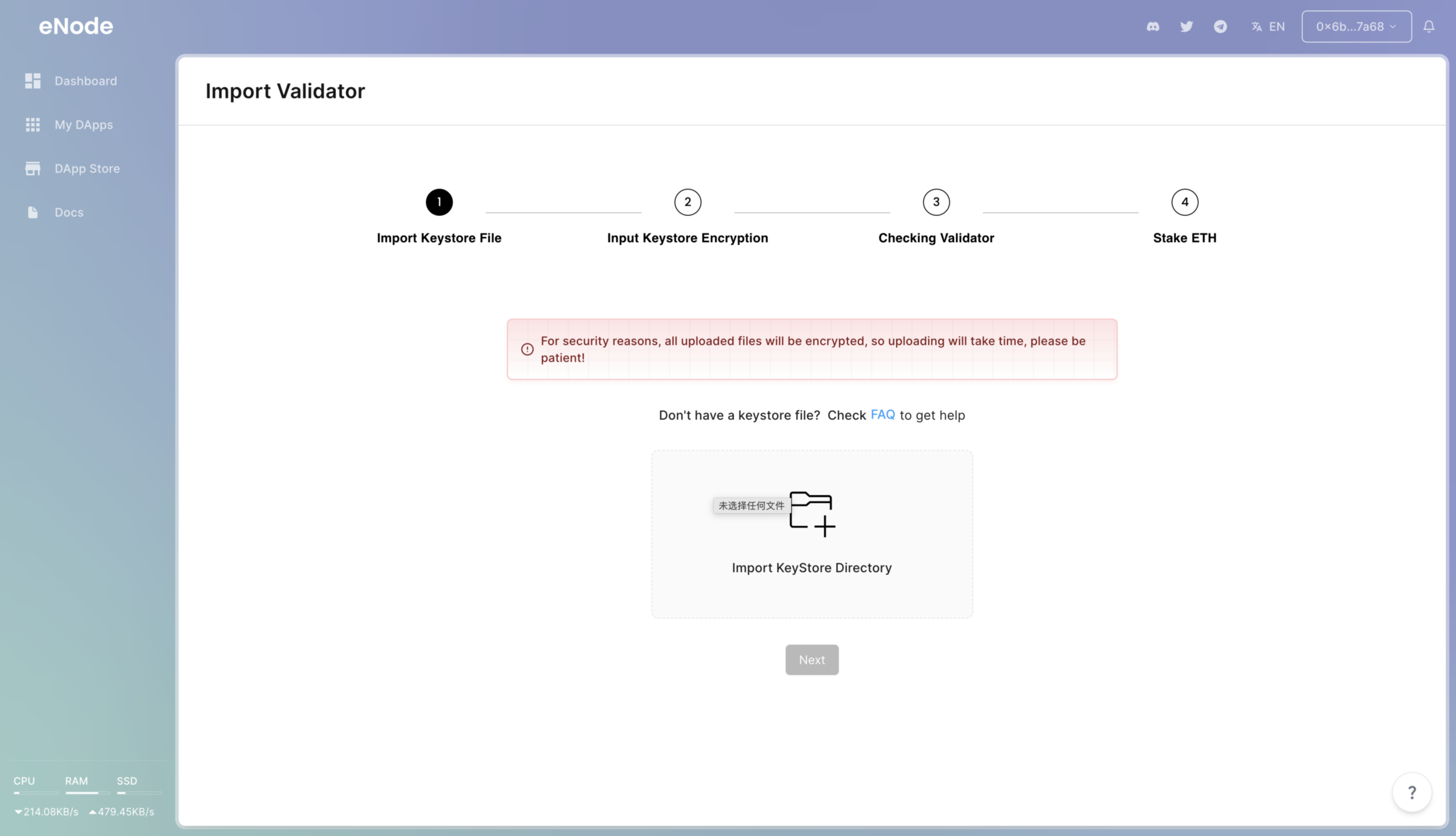
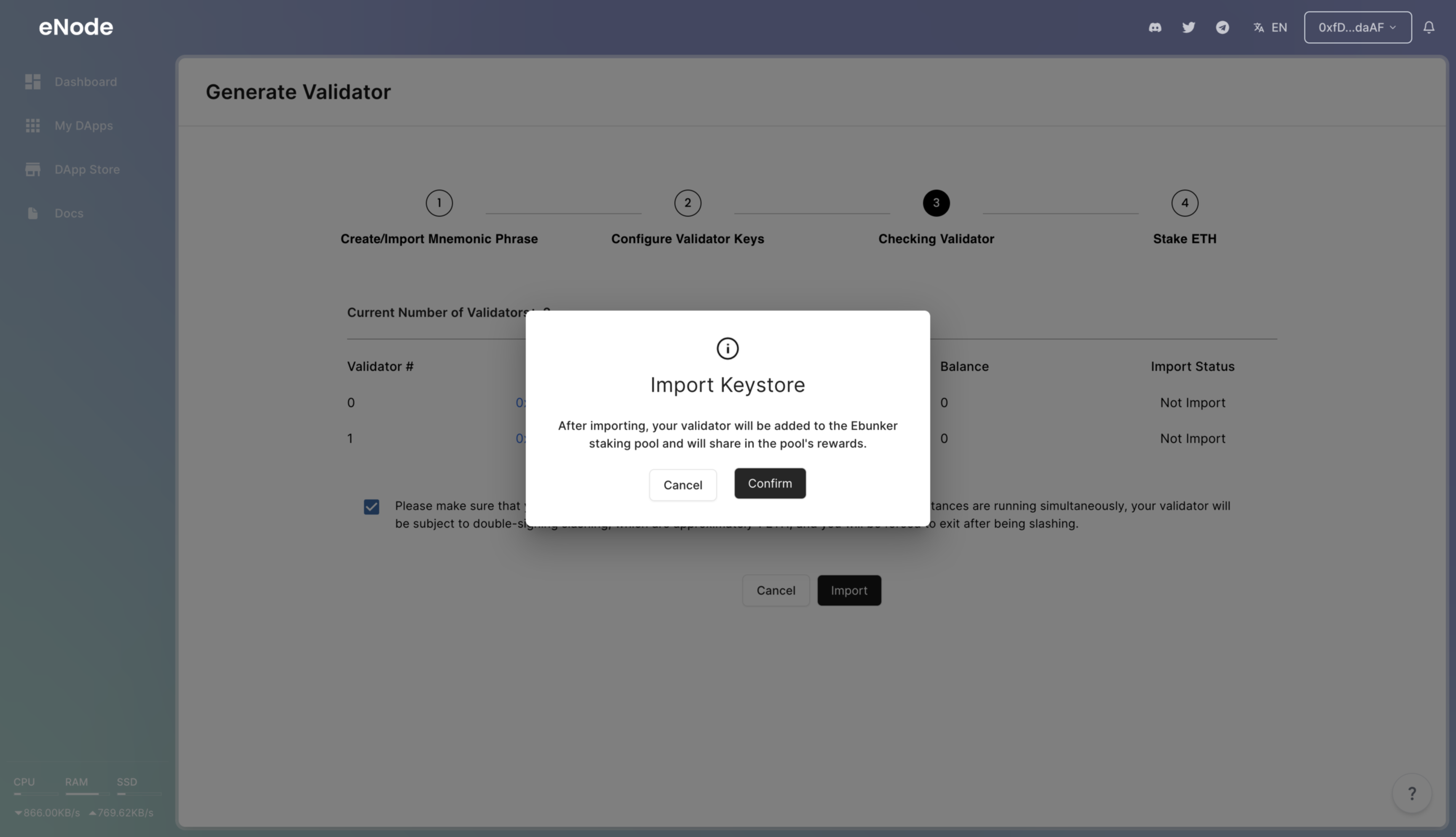
❗️❗️❗️❗️ Restoring a node requires caution! Before restoring a node on eNode, please confirm that the keys of the original node have been deleted from its running server. Ensure that the original running node has stopped before proceeding with eNode node import. Otherwise, it may result in double-signing penalties.
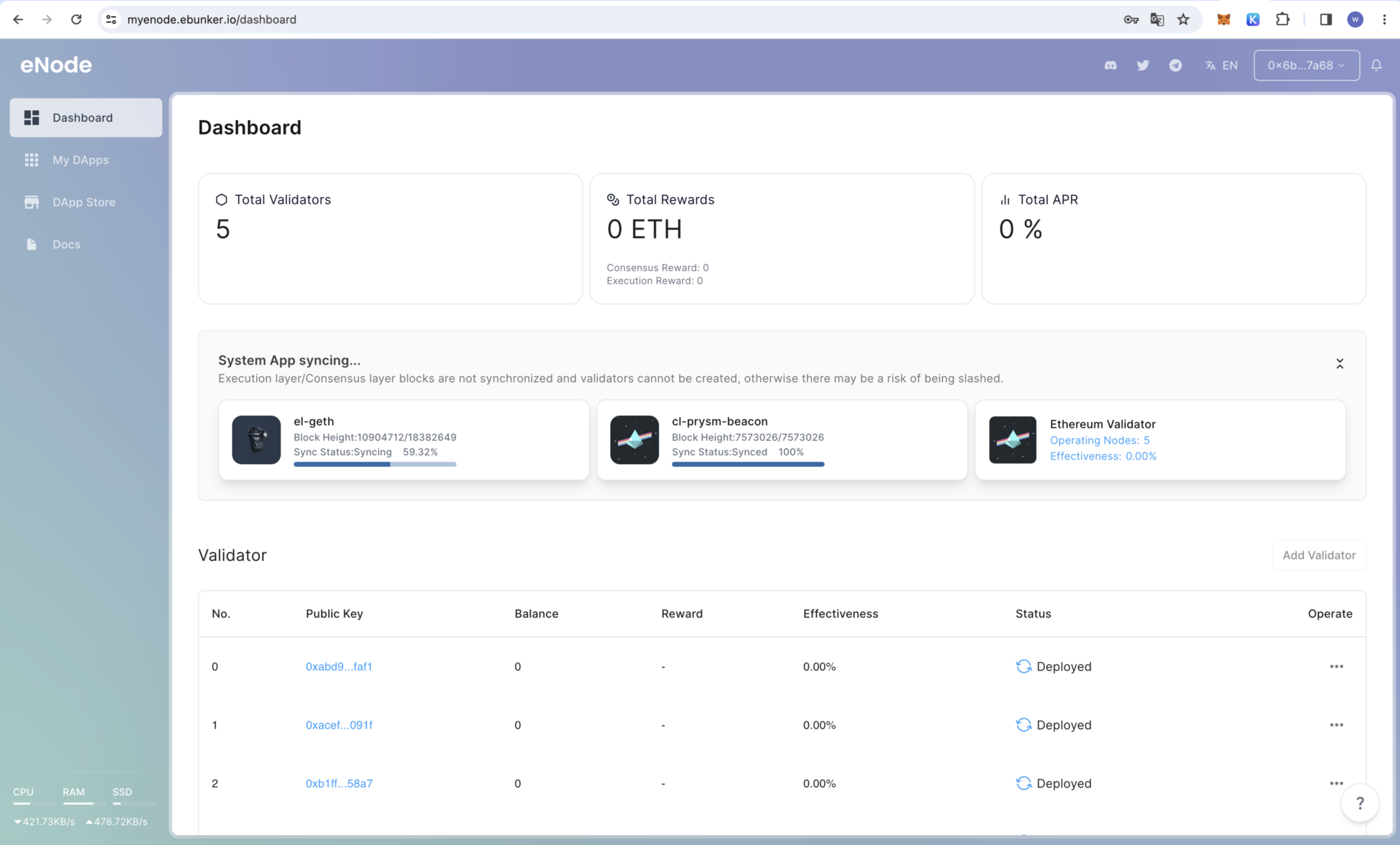
After the node is started, click on Dashboard to check the node's operational status and box hardware status (such as CPU, memory, etc.).
Applications: Check the status of consensus layer nodes, execution layer nodes, validator nodes, and efficiency. Node restoration can only be performed when the consensus layer node and execution layer node block status shows "Synchronization Completed."
❗️❗️The mnemonic phrase is the only credential to retrieve your staked principal. Please keep it confidential and make backups; otherwise, you may lose your staked principal.
Click on the bottom right corner [Add Validator] - [Ebunker One-Stop Node Staking].
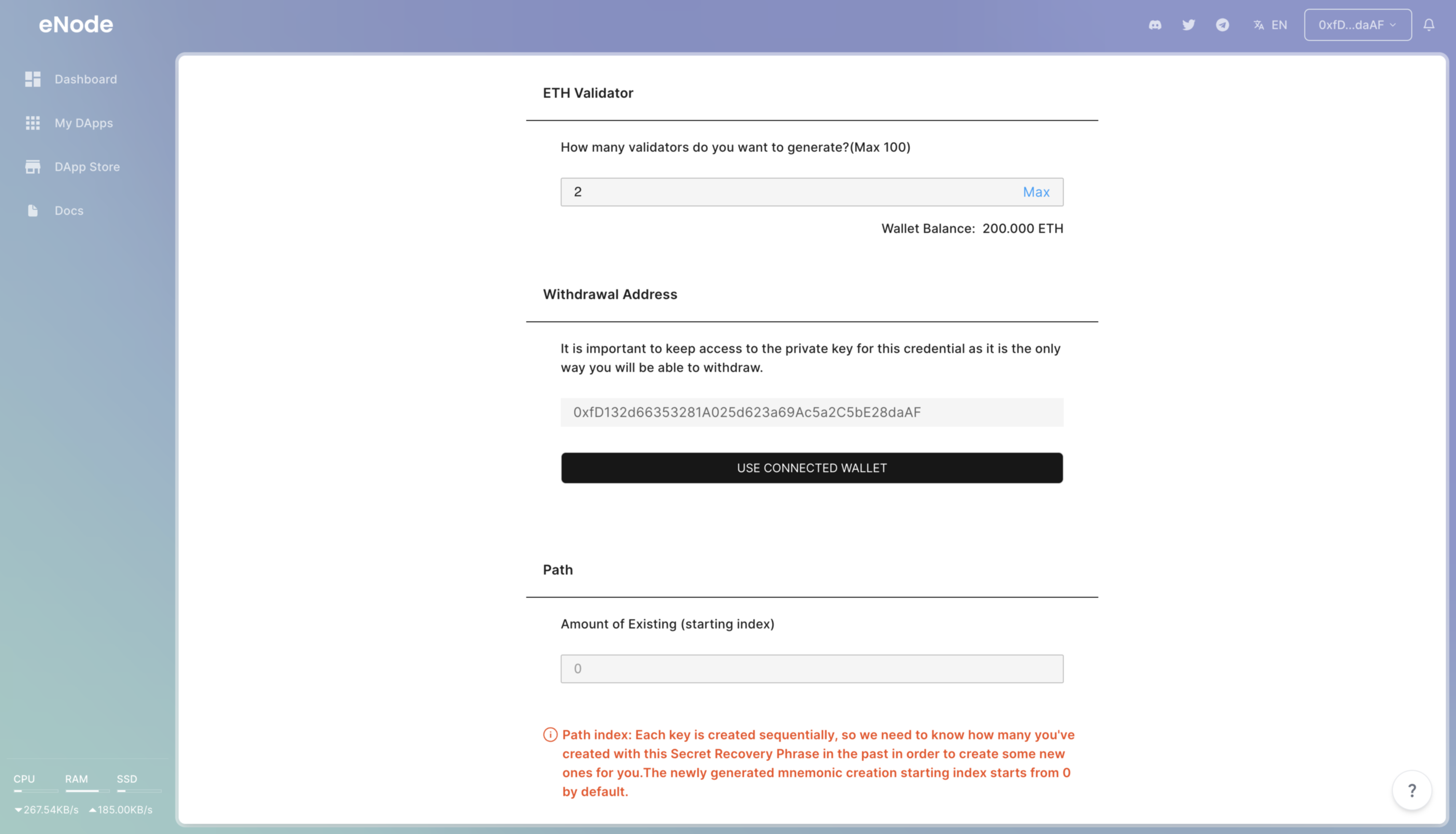
Enter the number of validators to be restored. Each validator can stake 32 ETH. Select the number of validators based on your ETH holdings. ❗️❗️Each device can stake a maximum of 5 validators.
Enter the starting sequence number, which corresponds to the sequence number of the node being restored. If the node to be restored was the first one created with this mnemonic phrase, start from 0 by default. Click Next, and the system will generate node key files and create nodes.