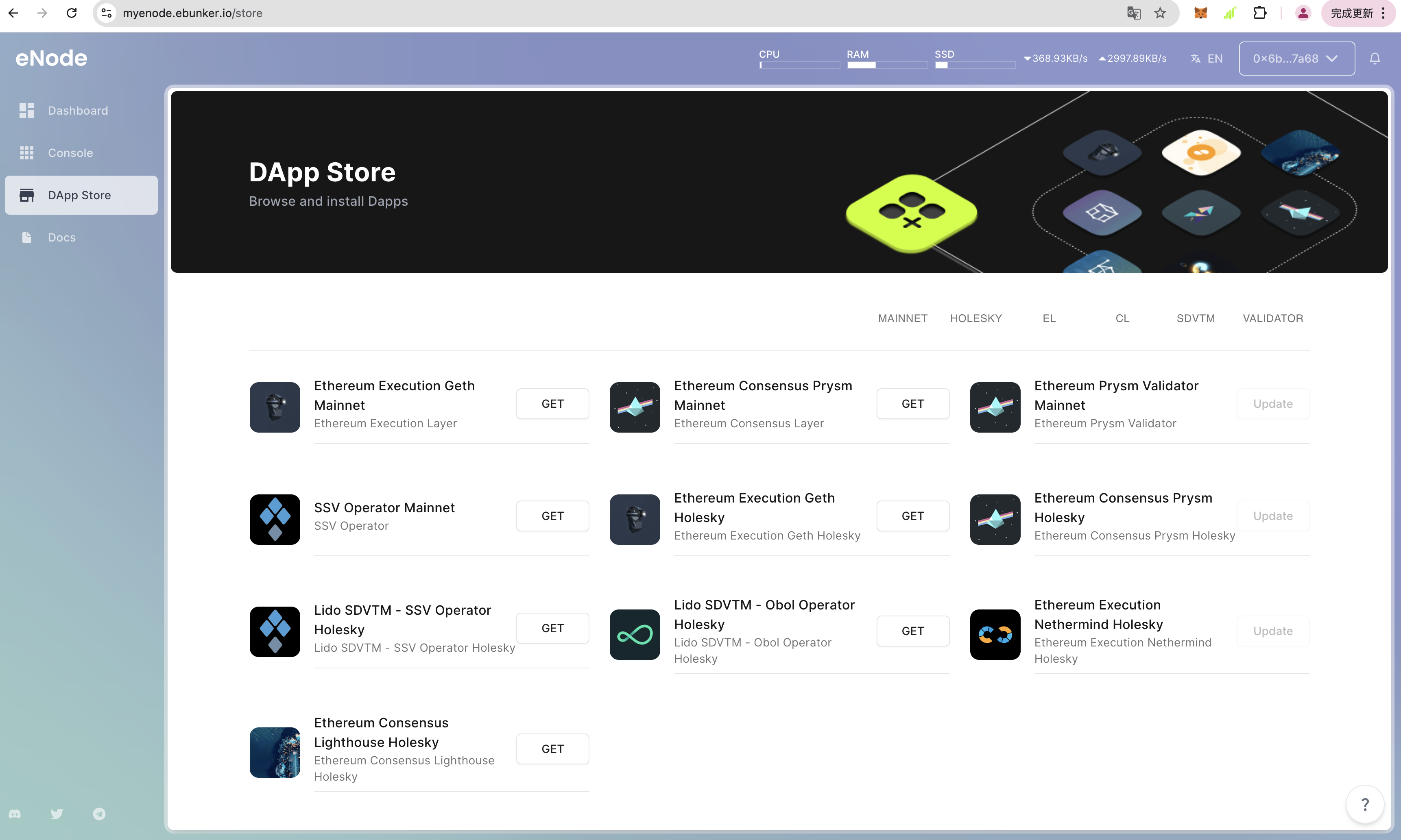
After logging in to the website, click on [App Store] to install node applications, including: execution layer node:Geth, consensus layer node:Prysm Beacon, and validator:Prysm Validator.
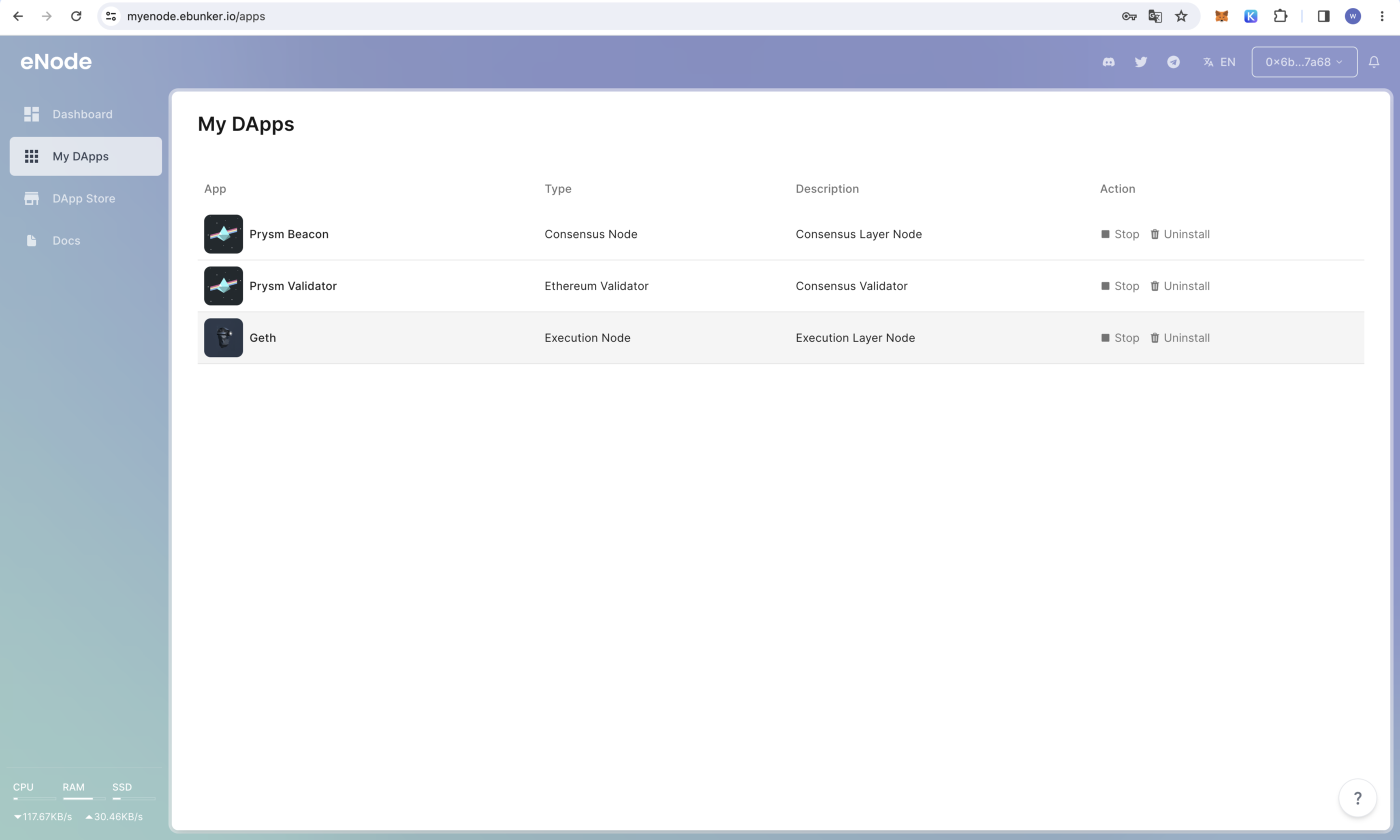
Click [My Apps] to view the installed applications. The required DApps for ETH nodes include: execution layer node:Geth, consensus layer node:Prysm Beacon, and validator:Prysm Validator.
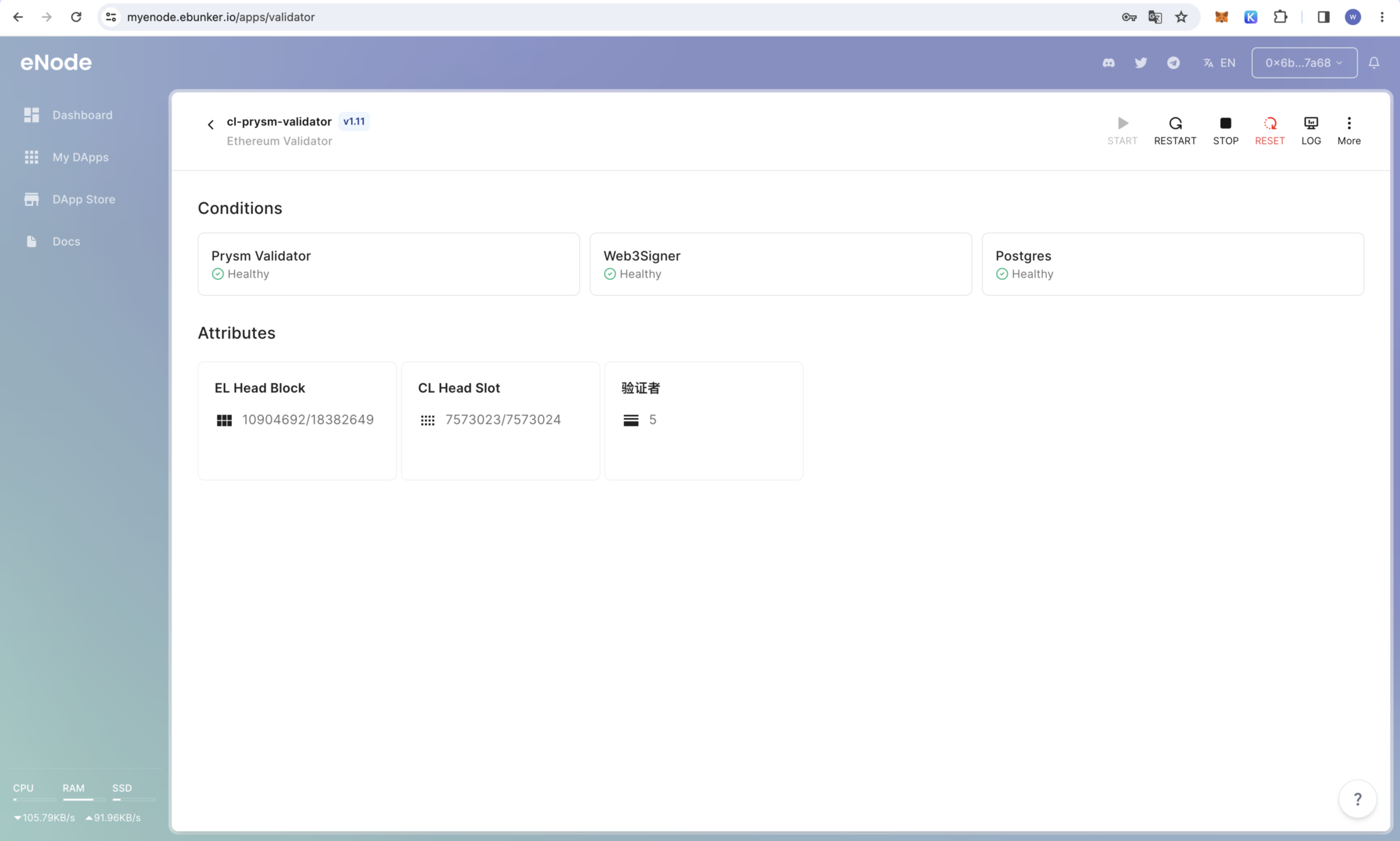
Click start to run the installed DApp. eNode starts DApps automatically by default.
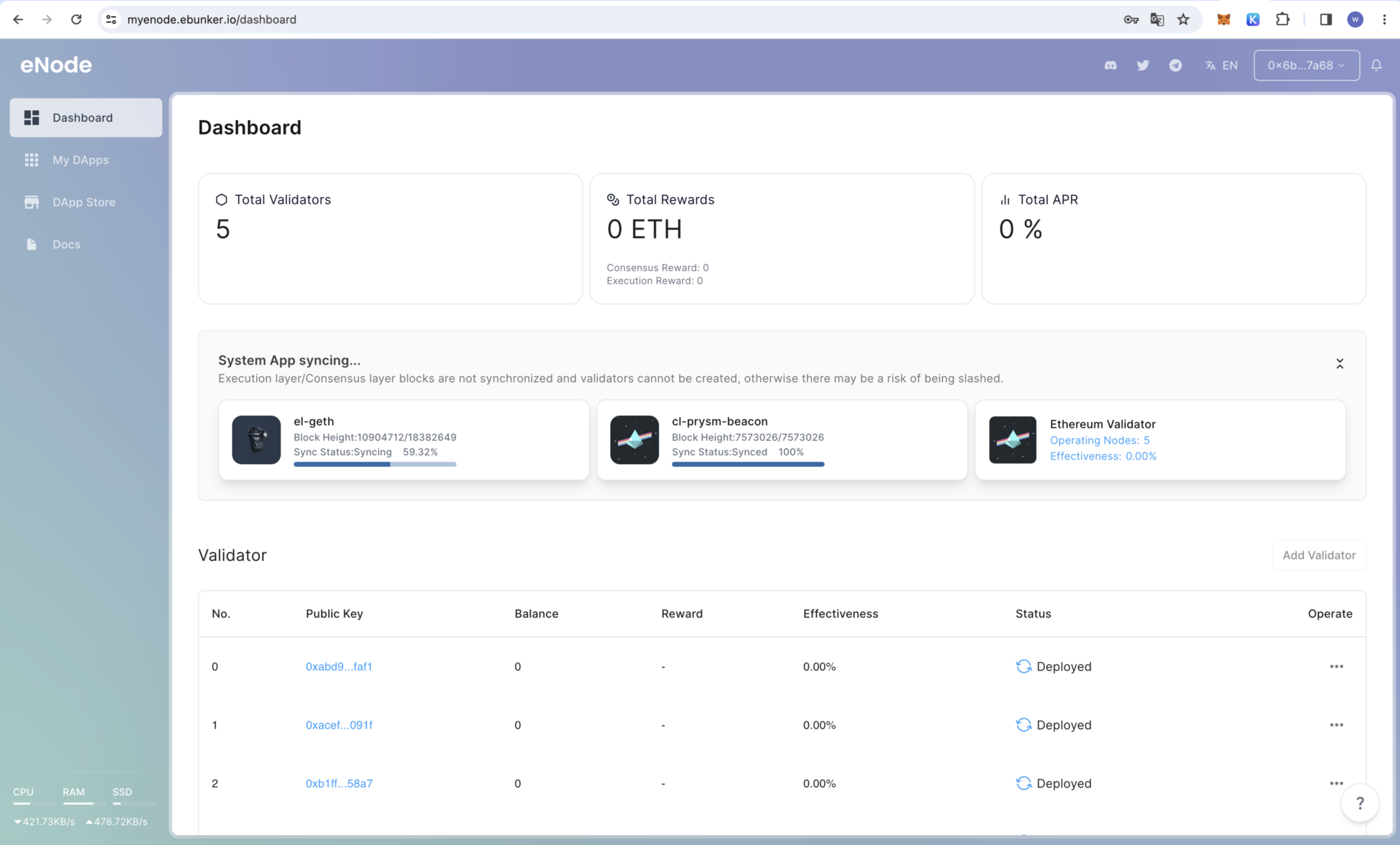
Synchronizing blocks may take approximately 1-3 days.
Check [Dashboard] - [Applications] for the execution node and consensus node to display "Synchronization Completed" before performing staking operations.