B. Validator - I Already Have a Set of Mnemonic Phrases
Checking Status
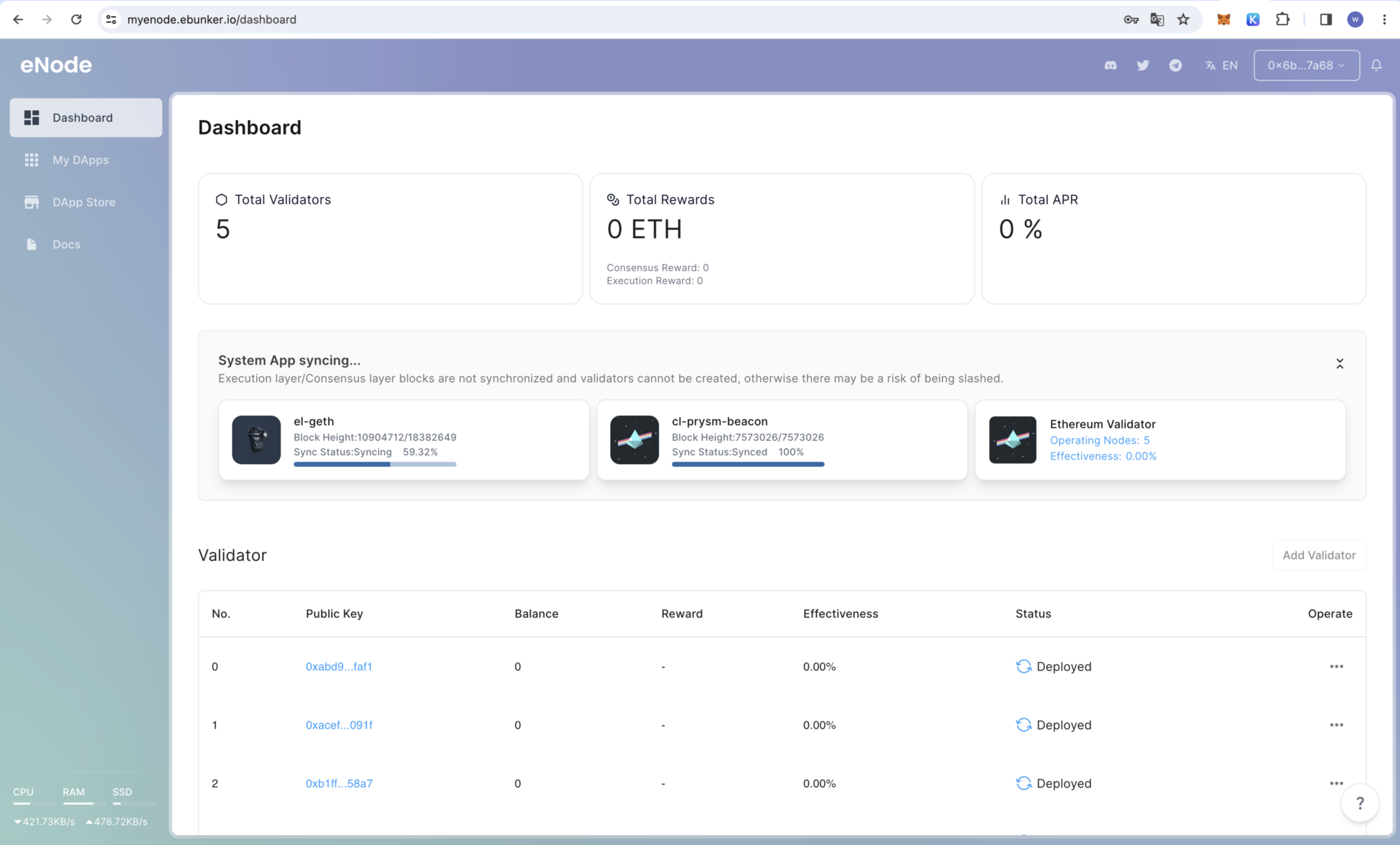
- After the node is started, click on
Dashboardto check the node's operational status and box hardware status (such as CPU, memory, etc.). - Applications: Check the status of consensus layer nodes, execution layer nodes, validator nodes, and efficiency. ETH staking can only be performed when the consensus layer node and execution layer node block status shows "Synchronization Completed."
Uploading Node Files
Creating Node Key Files
- Use the recommended software by the Ethereum Foundation (Wagyu) to generate key files and save them in the Ebunker folder.
- For detailed steps, see: Create Node Keys
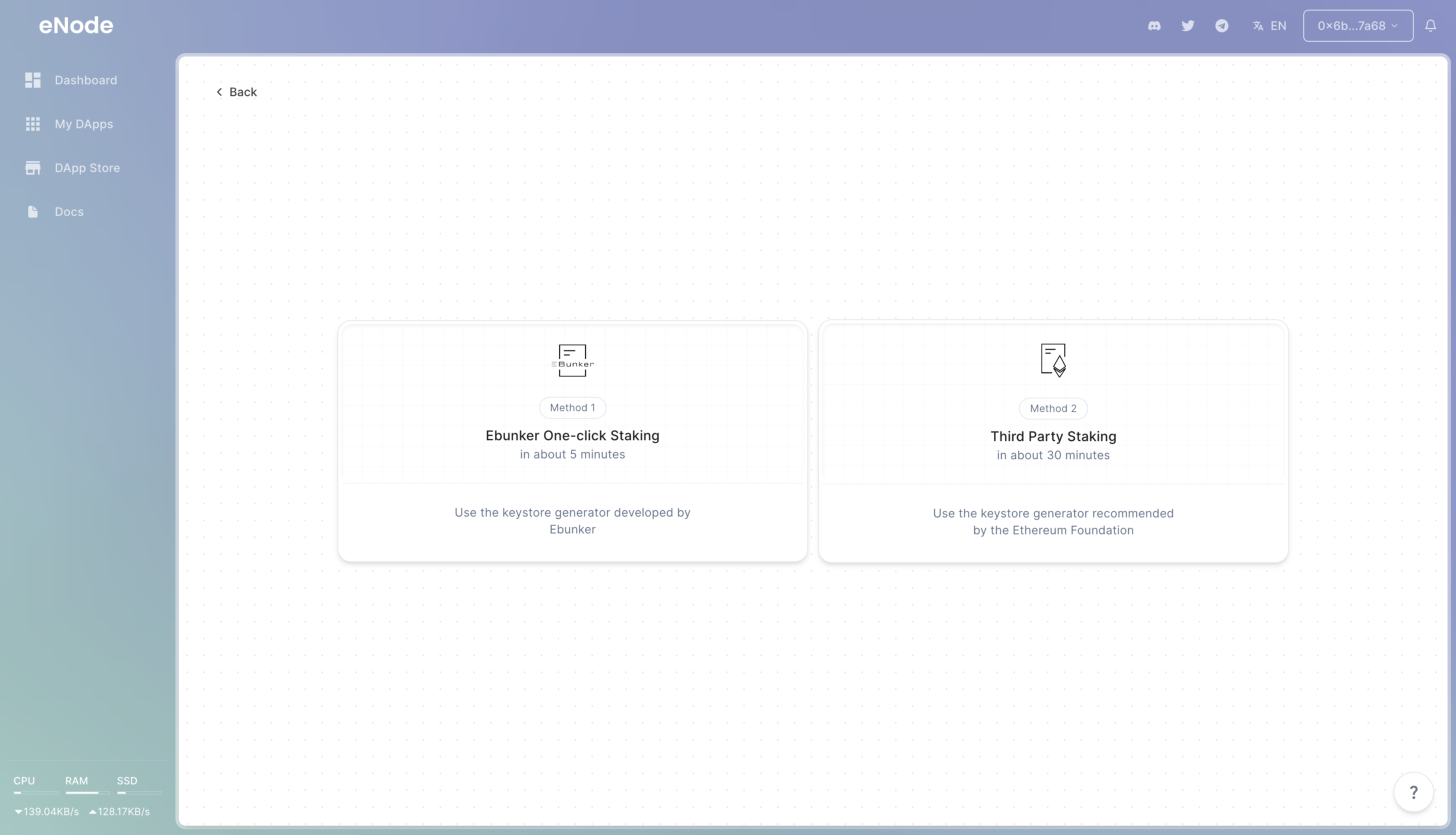
- Click on the bottom right corner [Add Validator] - [Third-party Staking].
Uploading Node Files
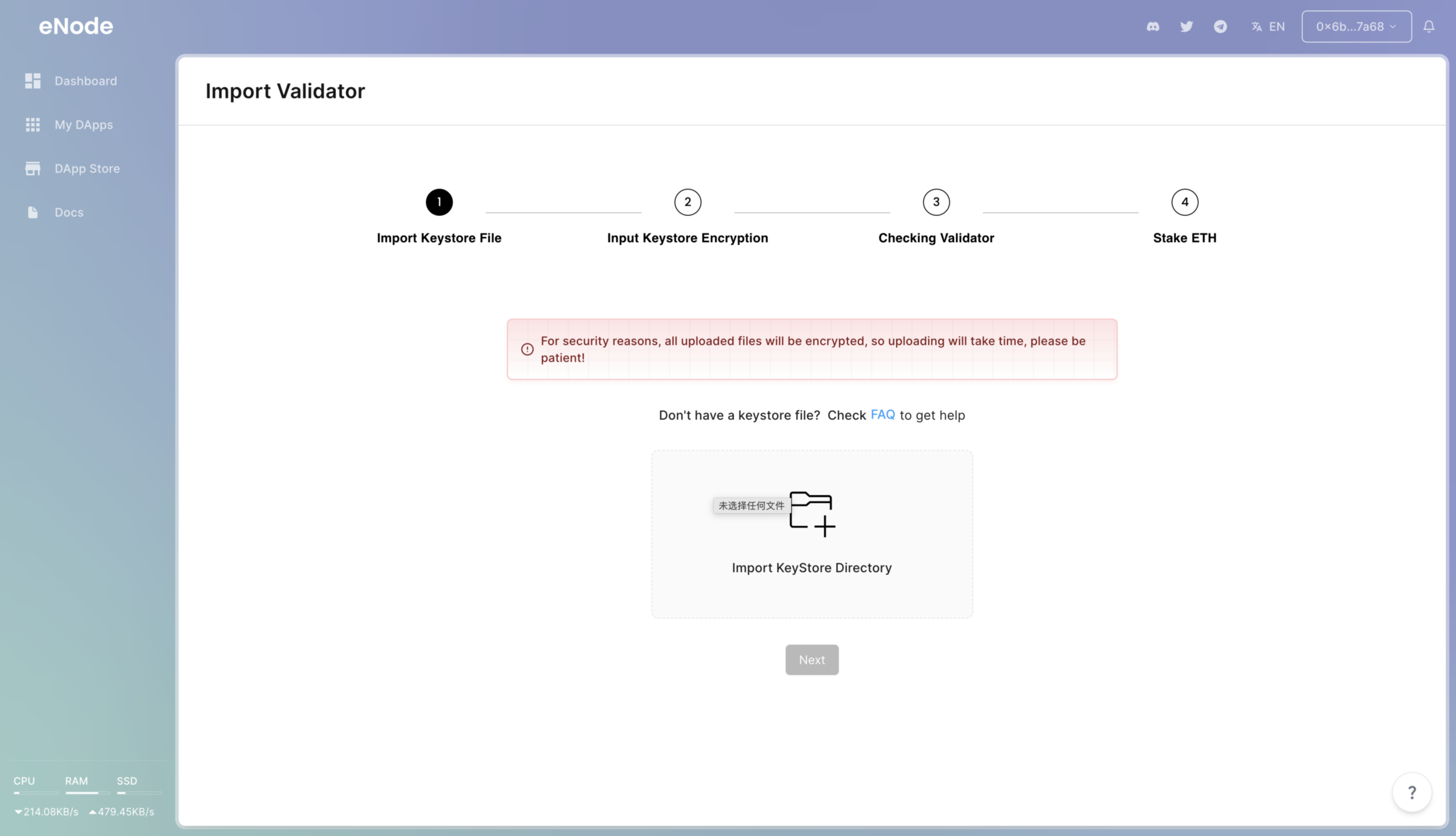
- Click
IMPORT - Import the Ebunker folder.
- Enter the password for keystore encryption.
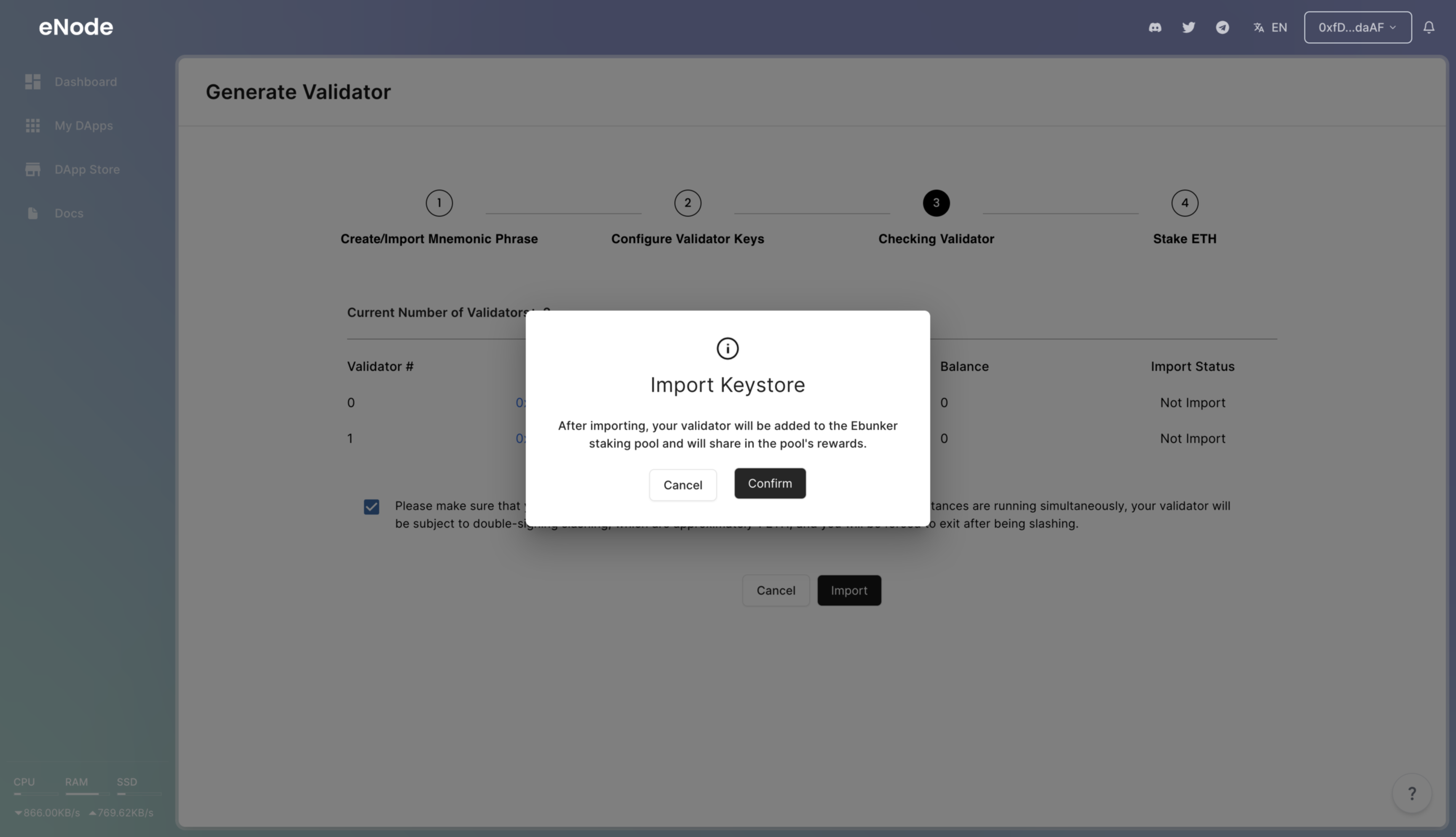
Importing Node Keys
- After the nodes are created, import the node keys into the device by clicking Import.
Staking ETH
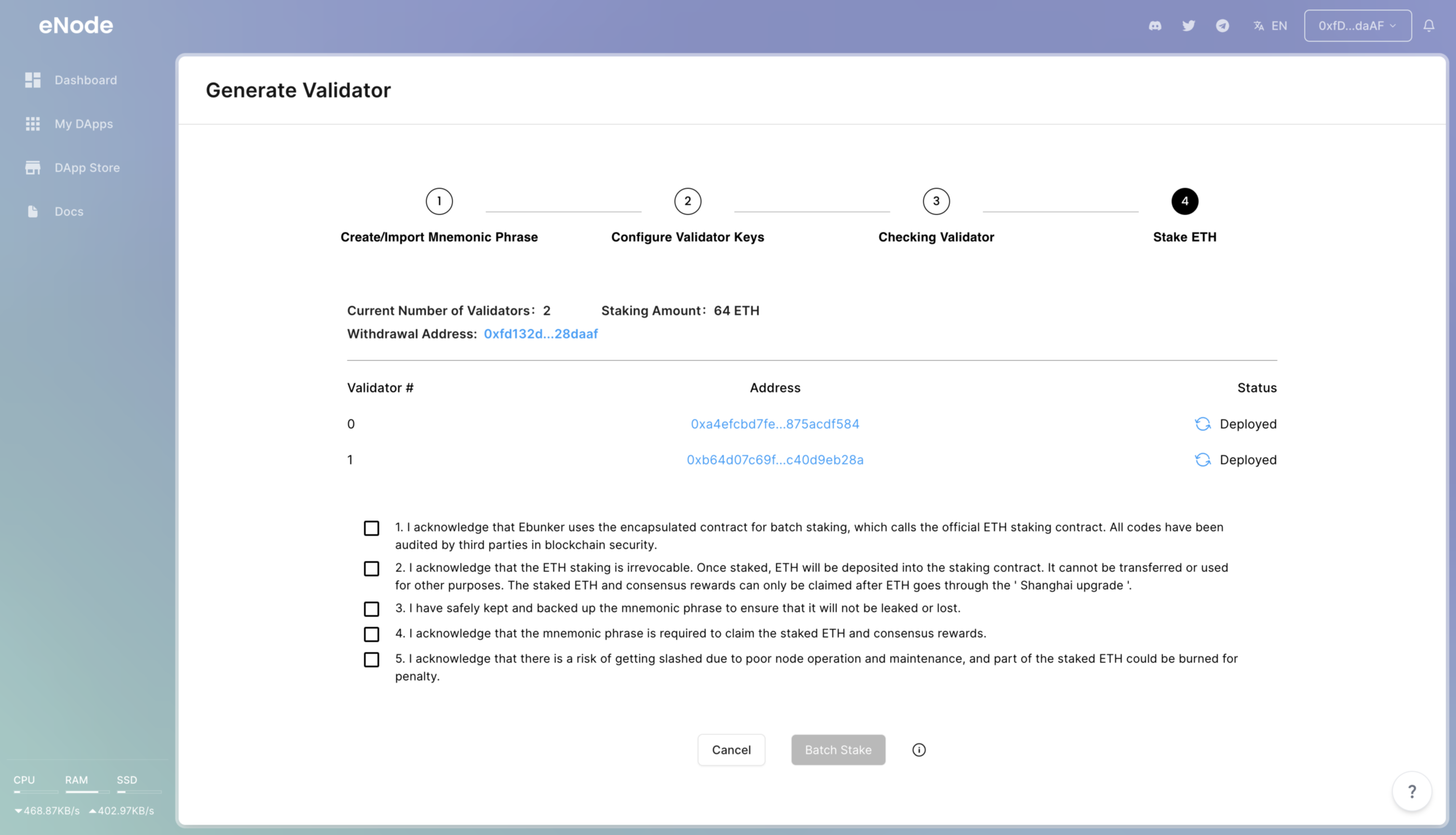
- Once the node import is complete, click [Batch Staking] to complete the ETH staking.